
Sign in on the POS with your PIN
Sign in on the Tavolify POS with your own PIN, lock the till when you leave it, and change the screen language just for you.
1 min readUpdated November 13, 2026
Everything you do at the till is recorded under your name. So each person uses their own PIN.
Steps
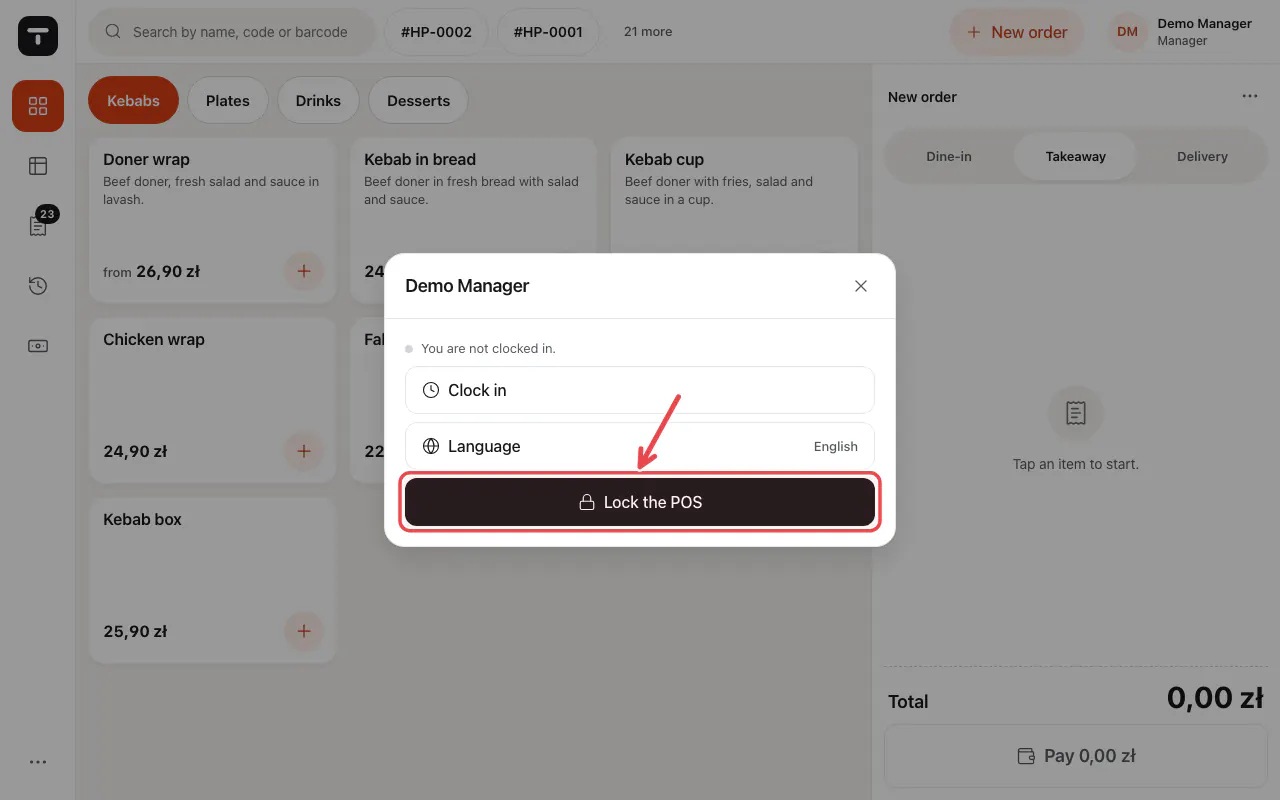
When you step away, tap your name at the top right and choose Lock the POS.
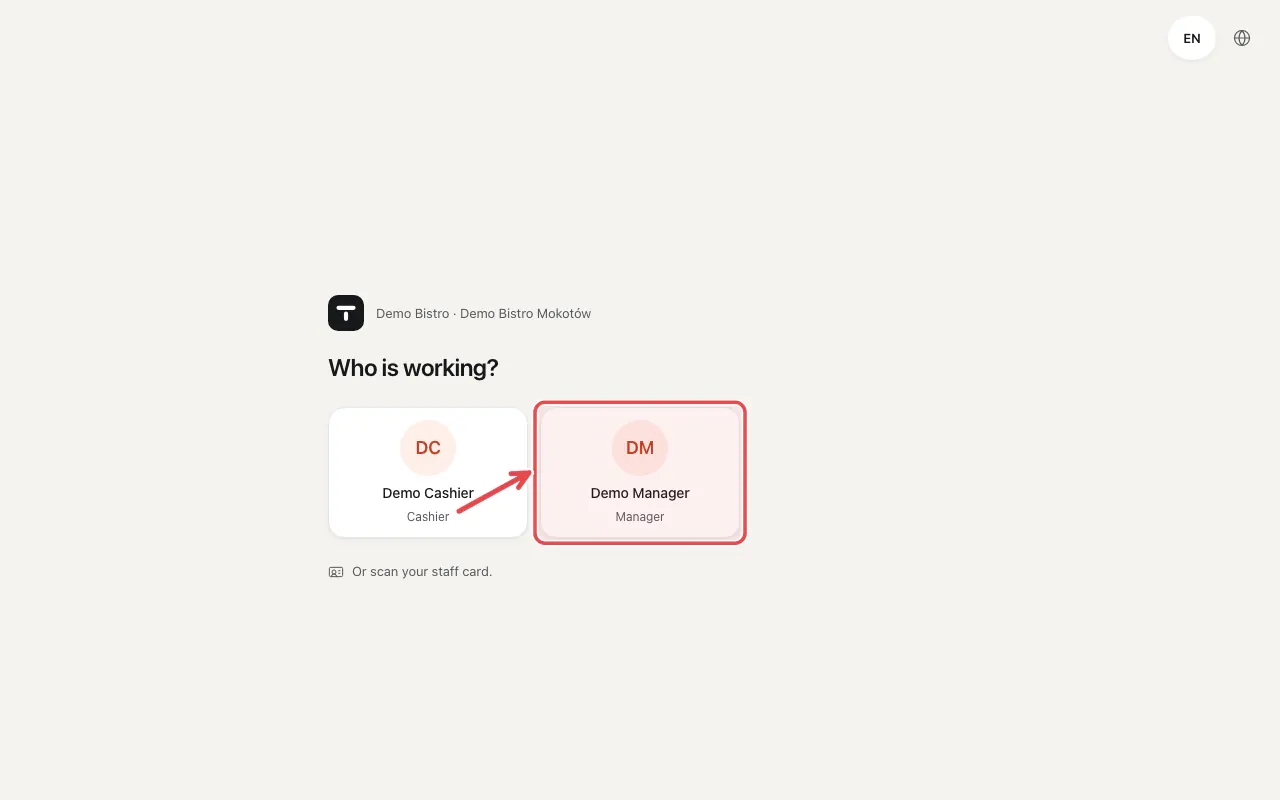
The till shows Who is working?. Tap your name.
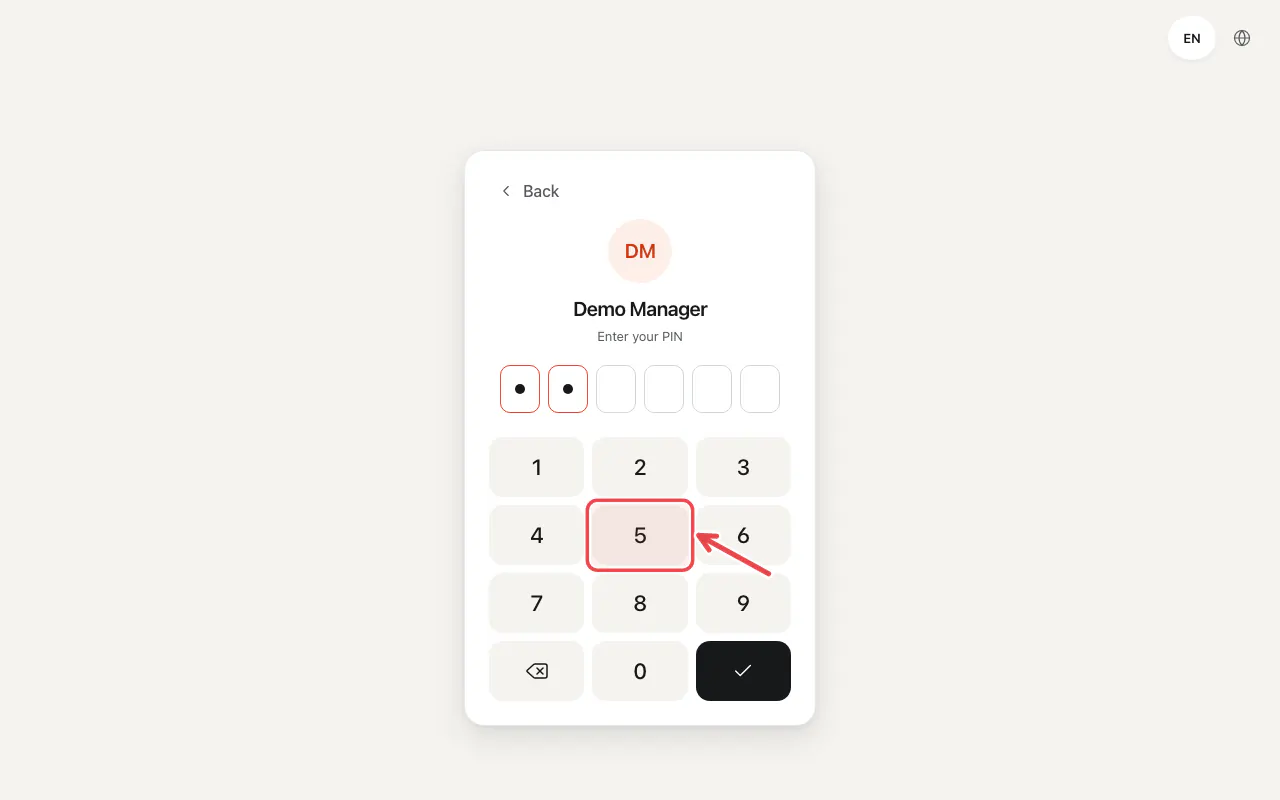
Type your PIN on the keypad and tap Confirm.
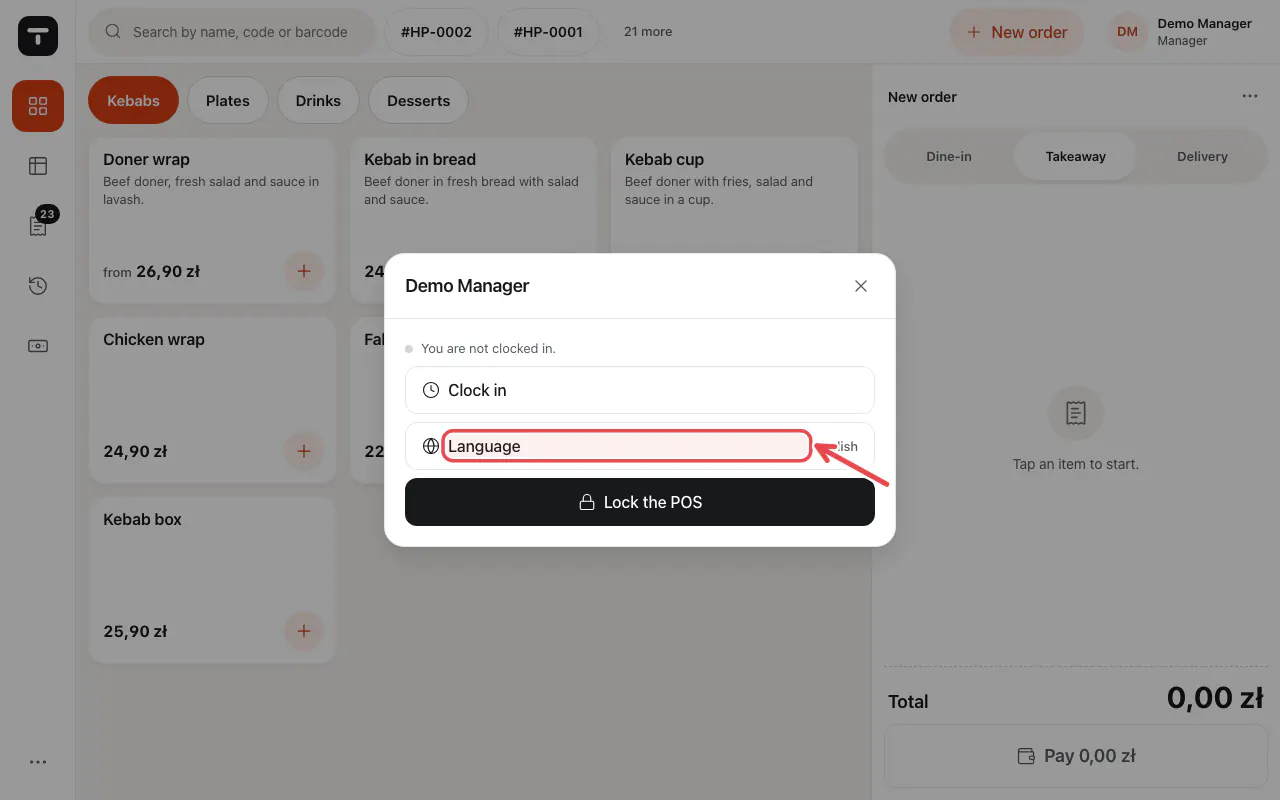
To see the till in another language, tap your name and choose Language.
Tip: The owner sets PINs in Staff. A PIN locked after wrong tries is unlocked there too.
Related articles
- Connect a tablet or computer as a POS
- Add staff and set POS PINs
- Take an order
Did this answer your question?
Still need help?Our team is happy to answer.
Send us a message