
Selling without internet (offline)
The Tavolify POS keeps taking orders and cash without internet and sends every bill when the connection is back.
1 min readUpdated November 13, 2026
You do not need to stop selling when the internet fails.
Steps
Without internet the till shows Offline. Keep selling as usual. Bills wait on the device.
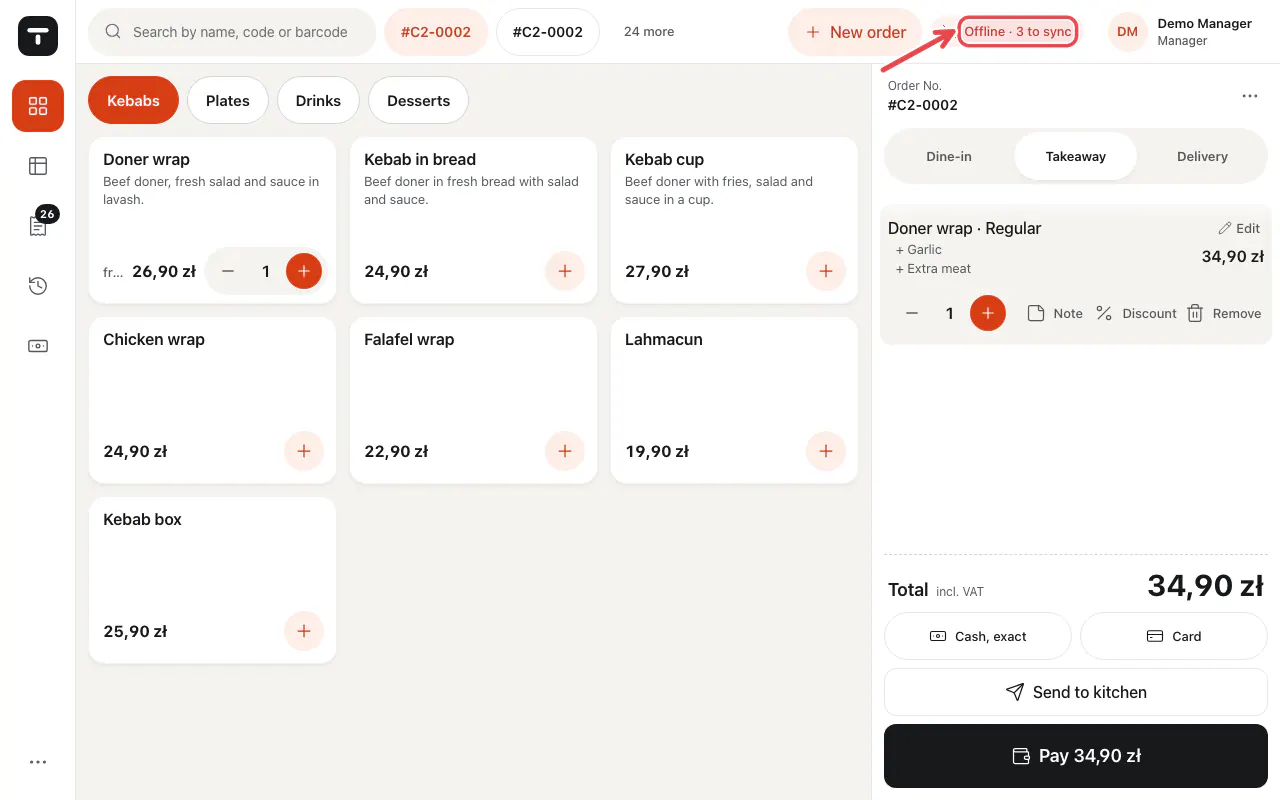
When the internet is back, the waiting bills are sent by themselves. Do not sign out or clear the app data while bills are waiting.
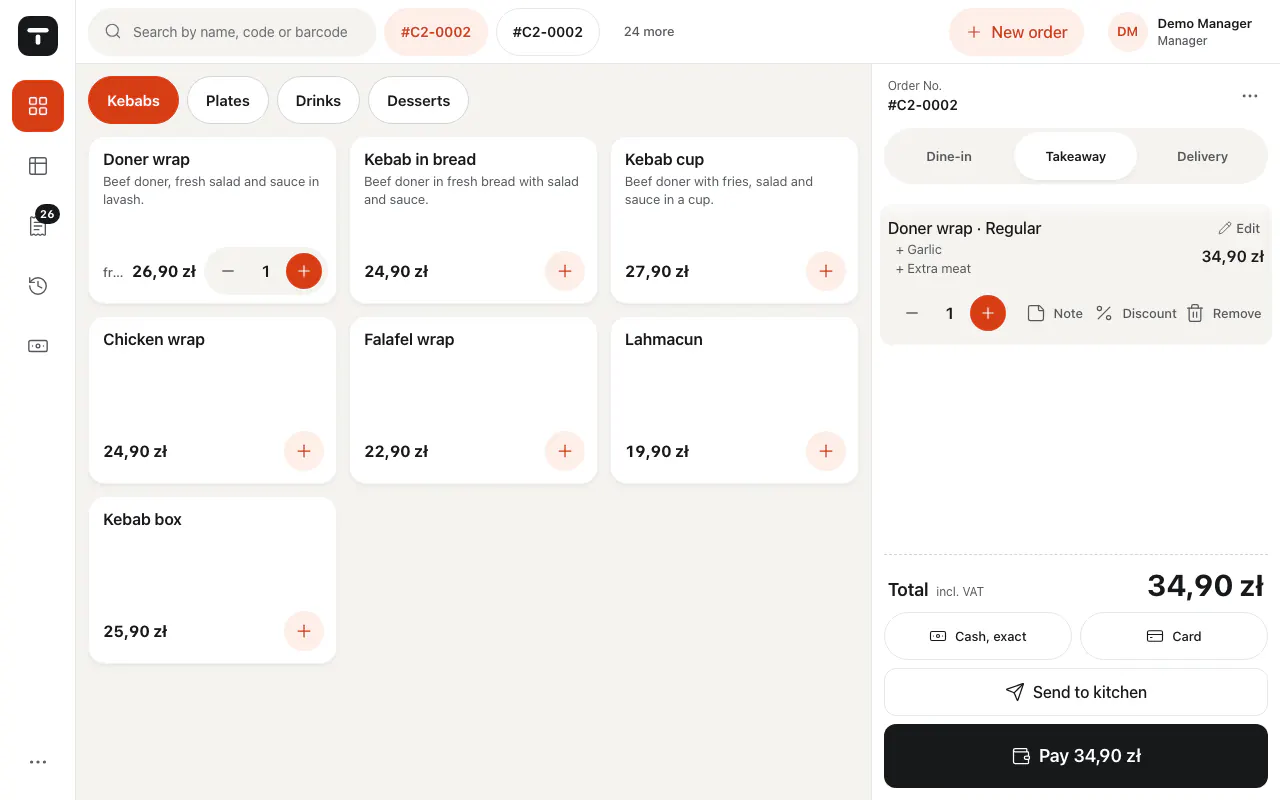
Tip: Card terminals, gift cards and online lookups need the internet. Cash always works.
Related articles
- Take an order
- Install and update the Android app
- The printer does not print
Did this answer your question?
Still need help?Our team is happy to answer.
Send us a message