
Different prices per order type and branch
Give a menu item another price for takeaway, delivery, QR, online or kiosk orders, or a branch price, in Tavolify.
1 min readUpdated November 13, 2026
An item can cost more for delivery or less for takeaway. Each branch can also have its own price.
Steps
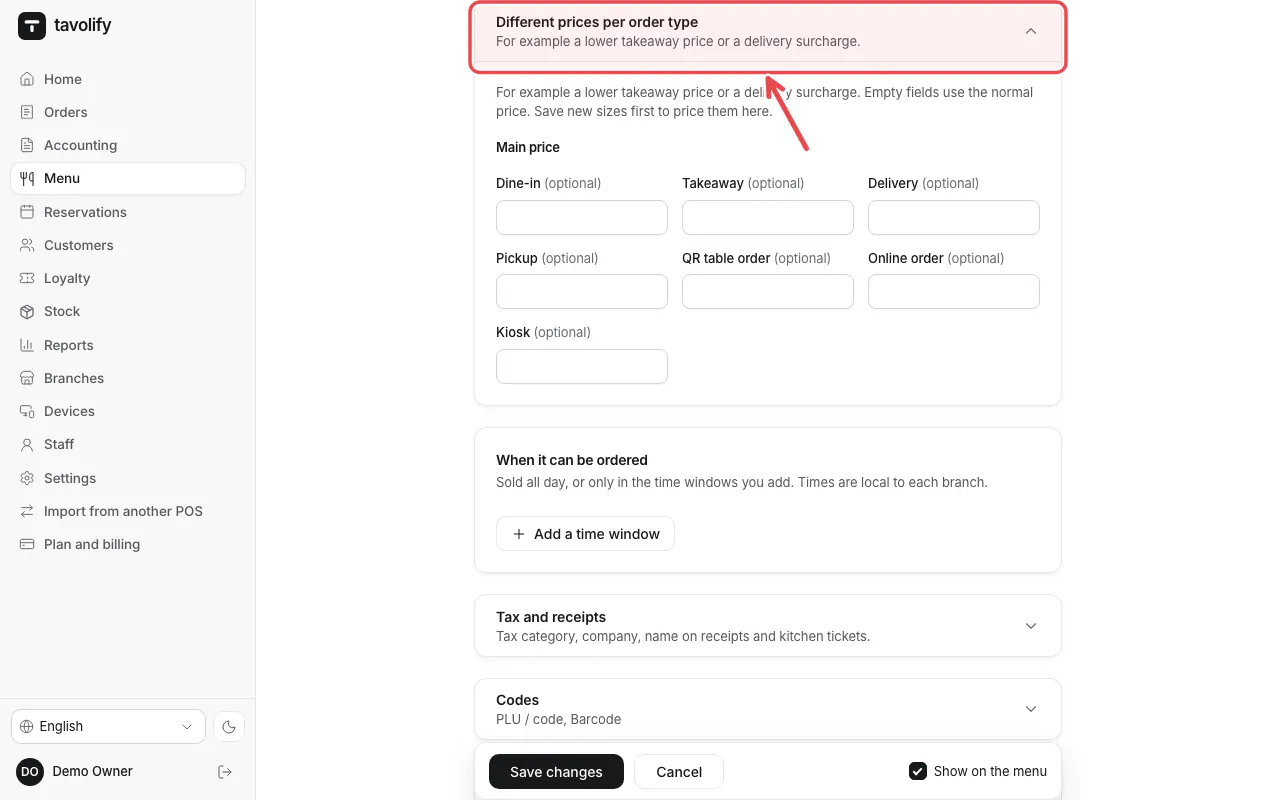
Open the item and fold open Different prices per order type. Enter a price only where it differs; empty fields use the main price.
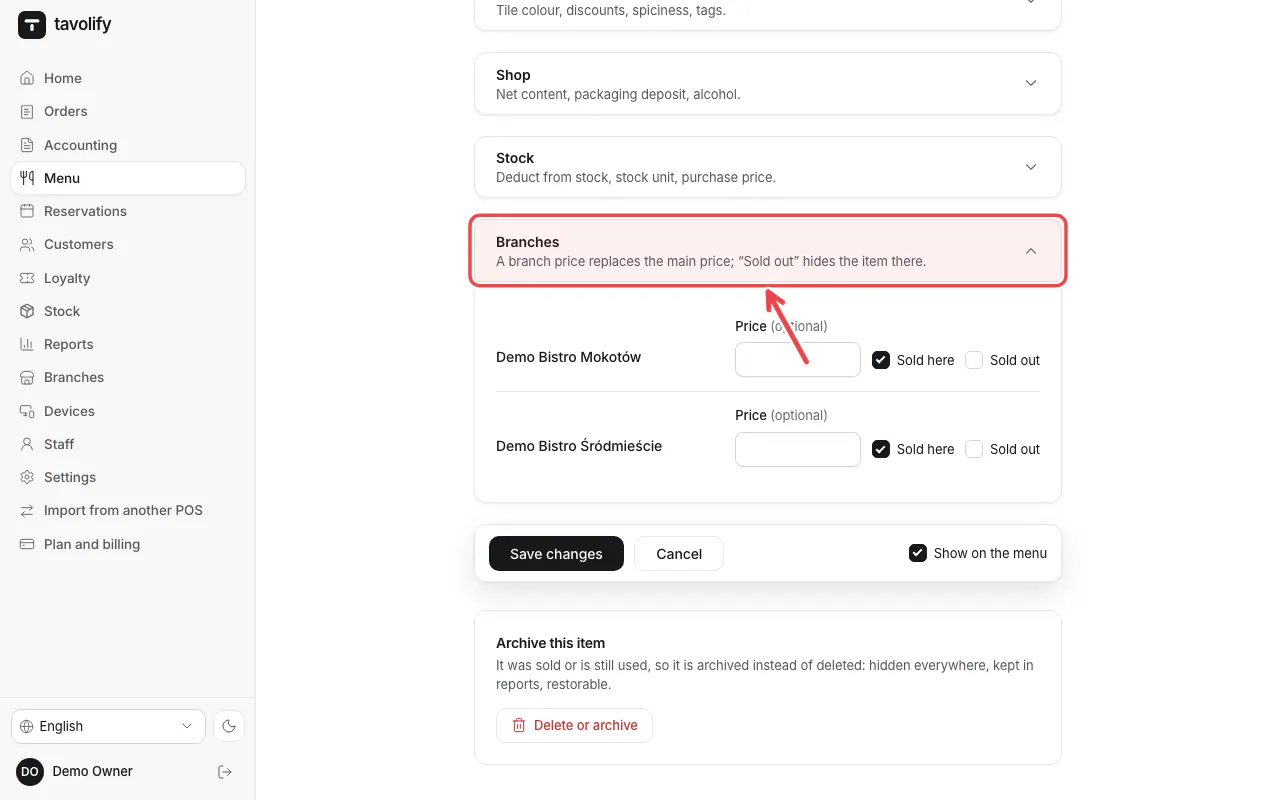
Under Branches enter a branch price or mark the item sold out in one branch.
Related articles
- Add a menu item
- Promotions and happy hours
- Branches
Did this answer your question?
Still need help?Our team is happy to answer.
Send us a message