
Combos and meal deals
Create combos in Tavolify: one price for a set of items with slots the guest can choose from, on POS, kiosk and online.
1 min readUpdated November 13, 2026
A combo is a set price for several items. Each slot lists what the guest may choose.
Steps
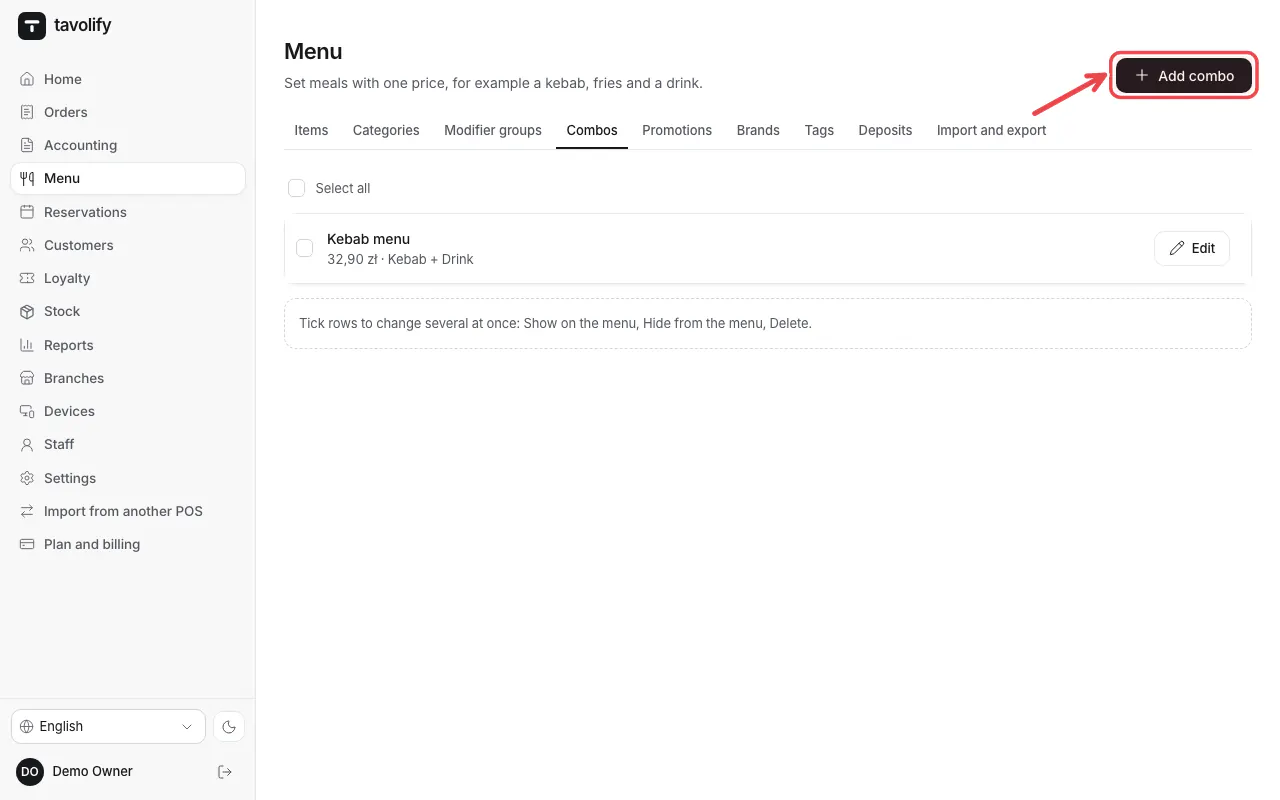
Open Menu → Combos and tap Add combo.
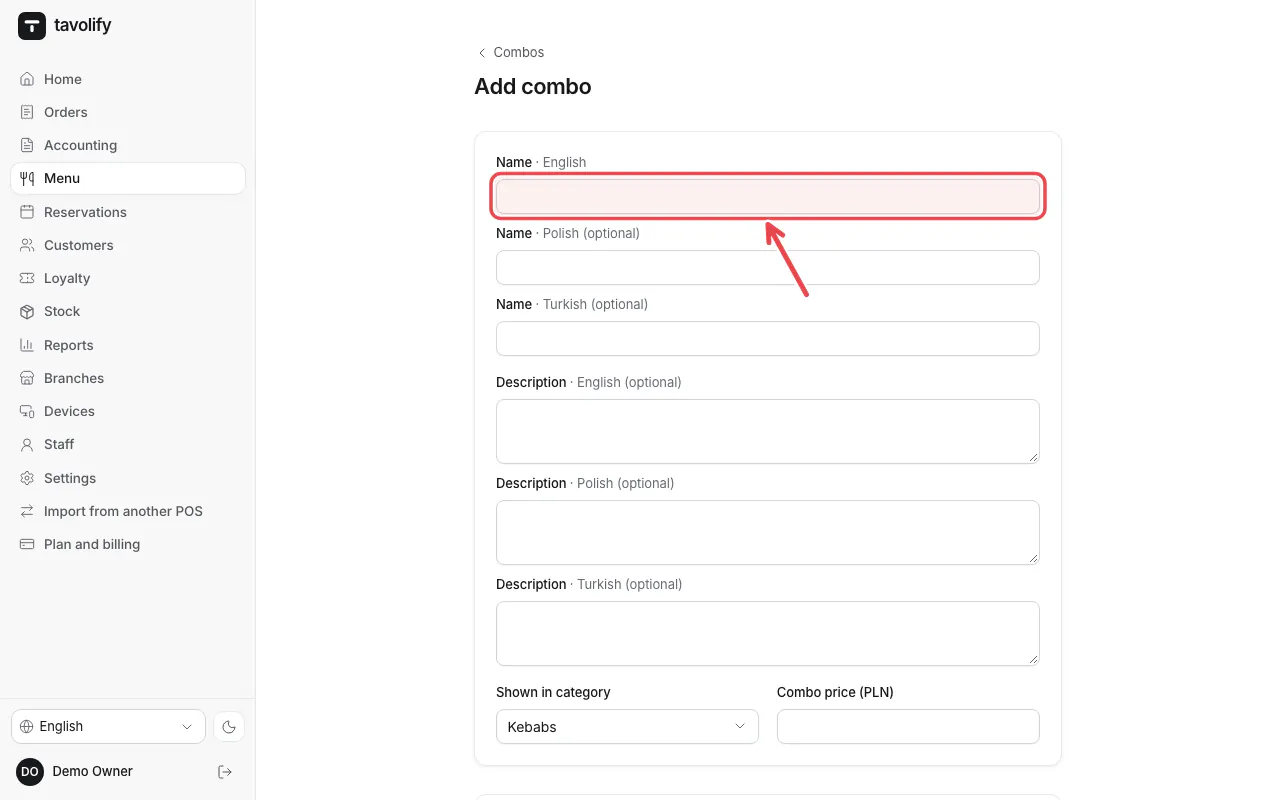
Enter the name and price, add the slots (for example main, side, drink) and their choices, then save.
Tip: The kiosk can offer the meal right after a guest picks an item that is part of a combo.
Related articles
- Promotions and happy hours
- Set up the self-order kiosk
- Add a menu item
Did this answer your question?
Still need help?Our team is happy to answer.
Send us a message