
Receipt language
Set the receipt language in Tavolify so receipts print in Polish even when staff use the POS in English or Turkish.
1 min readUpdated November 13, 2026
Staff can use the till in their own language. The receipt language stays the same for guests.
Steps
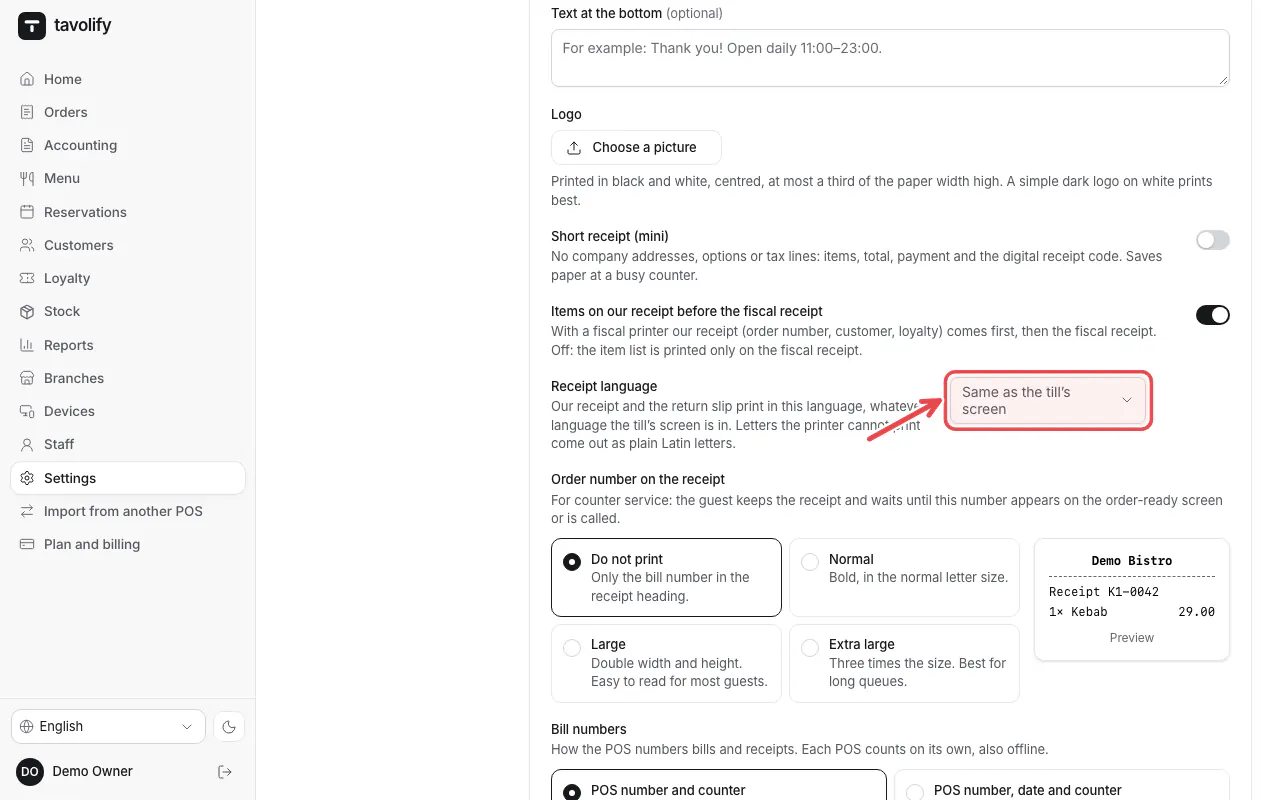
Open Settings → POS → Receipt and choose the Receipt language. Empty means the screen language of the till.
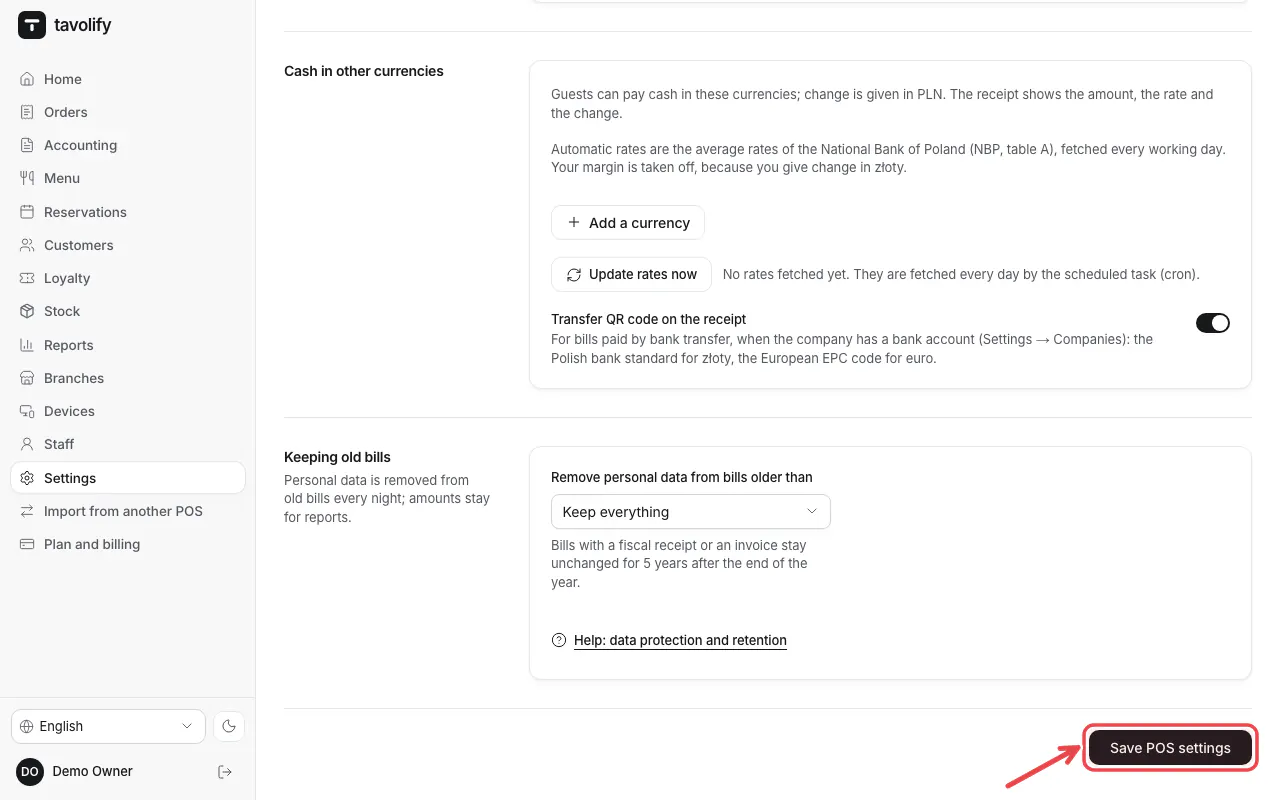
Tap Save POS settings.
Tip: Letters a printer cannot print are printed as Latin letters, so nothing comes out as "?".
Related articles
- Our receipt before the fiscal receipt
- Connect a fiscal printer (Elzab, Posnet, Novitus)
- Sign in on the POS with your PIN
Did this answer your question?
Still need help?Our team is happy to answer.
Send us a message