
Purchase invoices from KSeF
Get supplier invoices from KSeF in Tavolify automatically, check KSeF now, scan paper invoices and see what you have to pay.
1 min readUpdated November 13, 2026
With KSeF connected, supplier invoices arrive in Purchases within about a quarter of an hour.
Steps
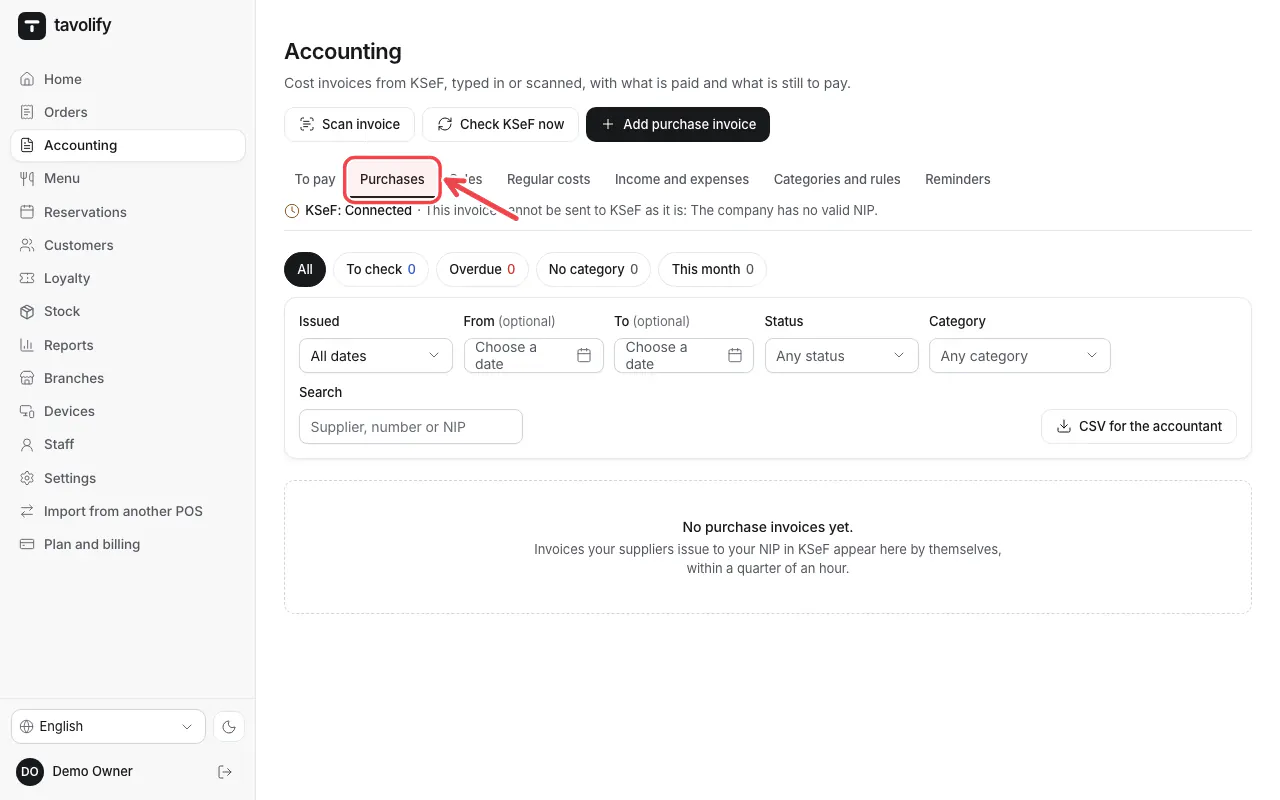
Open Accounting → Purchases.
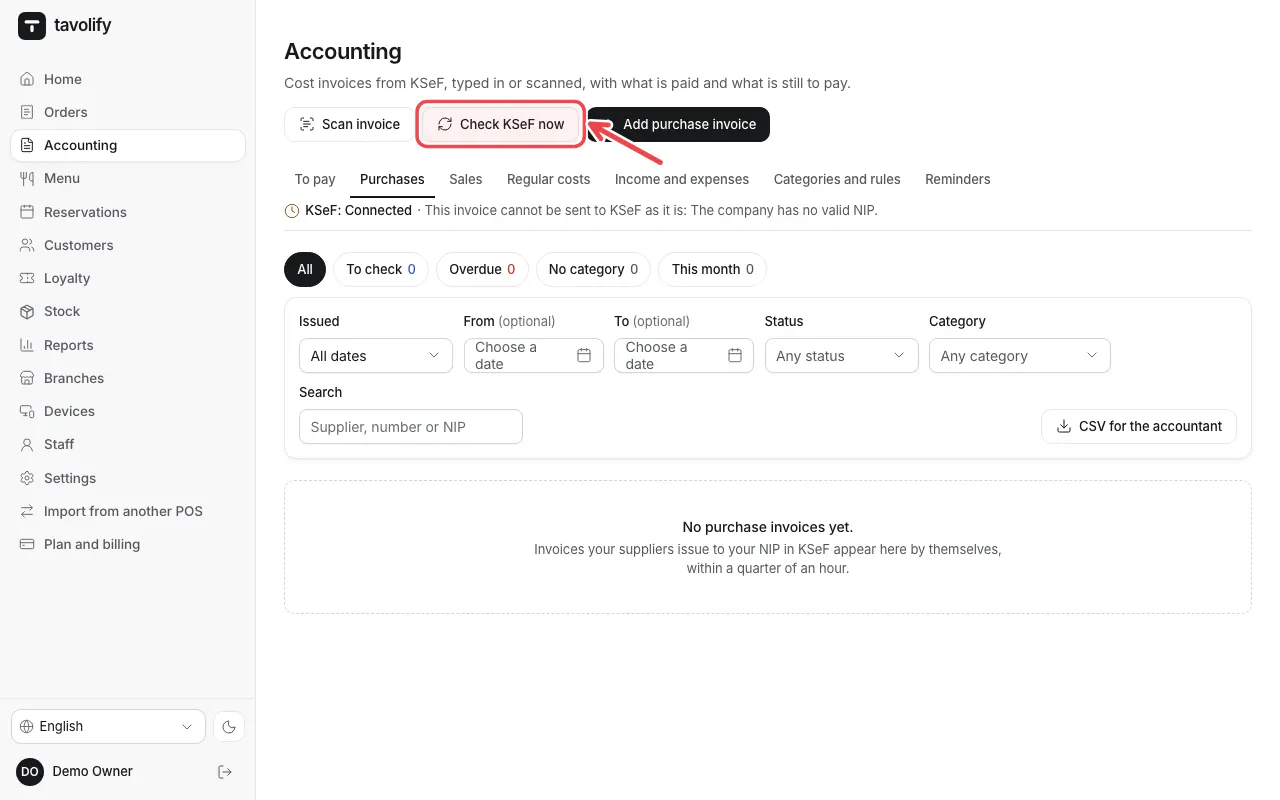
Tap Check KSeF now to fetch new invoices at once.
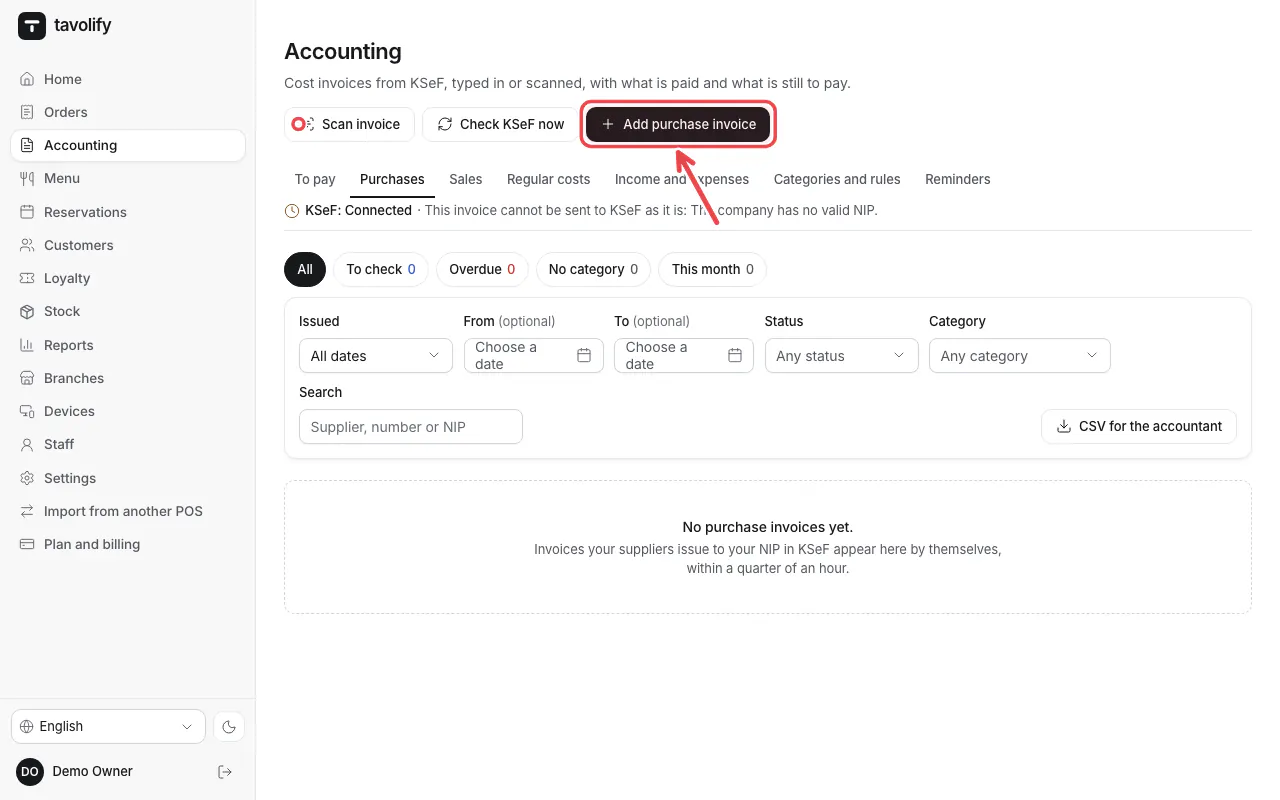
Paper invoice? Add purchase invoice or Scan invoice.
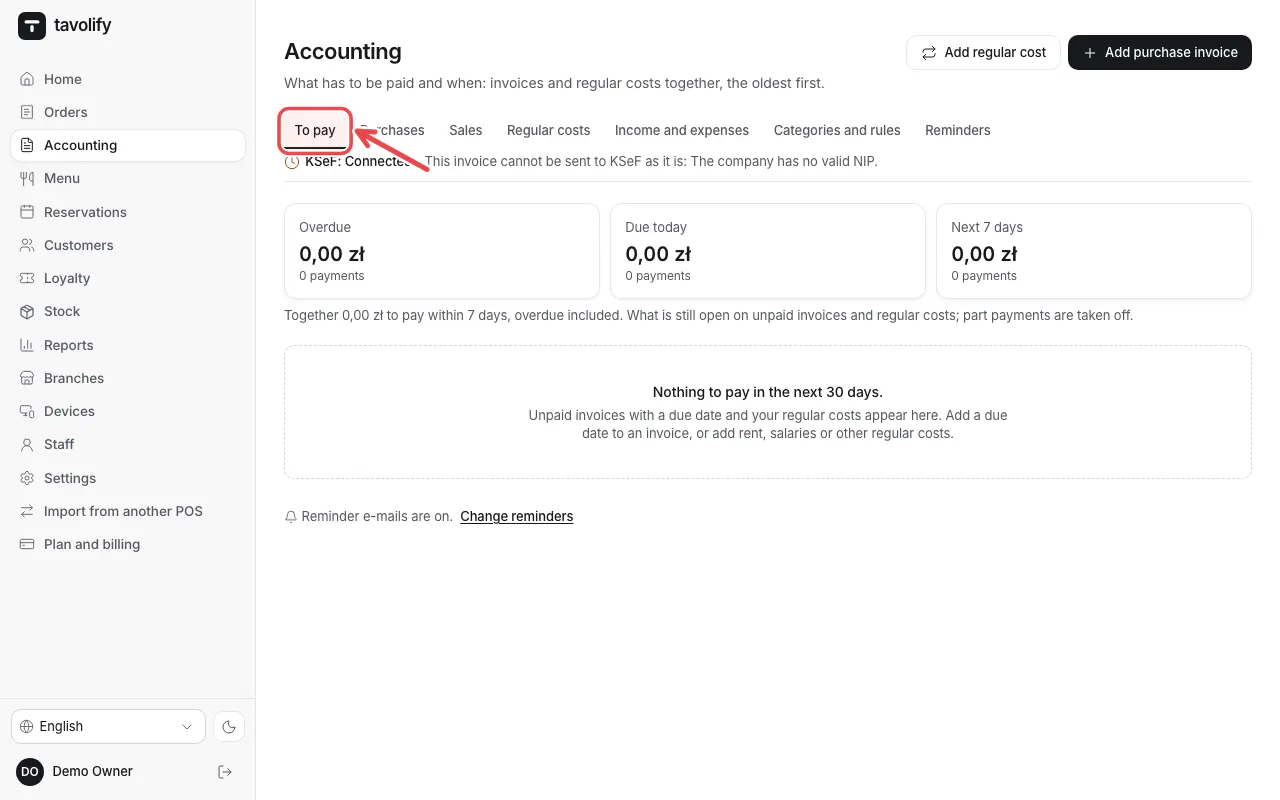
To pay shows what is due and overdue.
Related articles
- Connect KSeF
- Issue a VAT invoice
- Stock: receive goods and count stock
Did this answer your question?
Still need help?Our team is happy to answer.
Send us a message