
Issue a VAT invoice
Issue a VAT invoice for a paid order in Tavolify, send it to KSeF, and issue a correction invoice when something changes.
1 min readUpdated November 13, 2026
Business guests often need an invoice for their receipt.
Steps
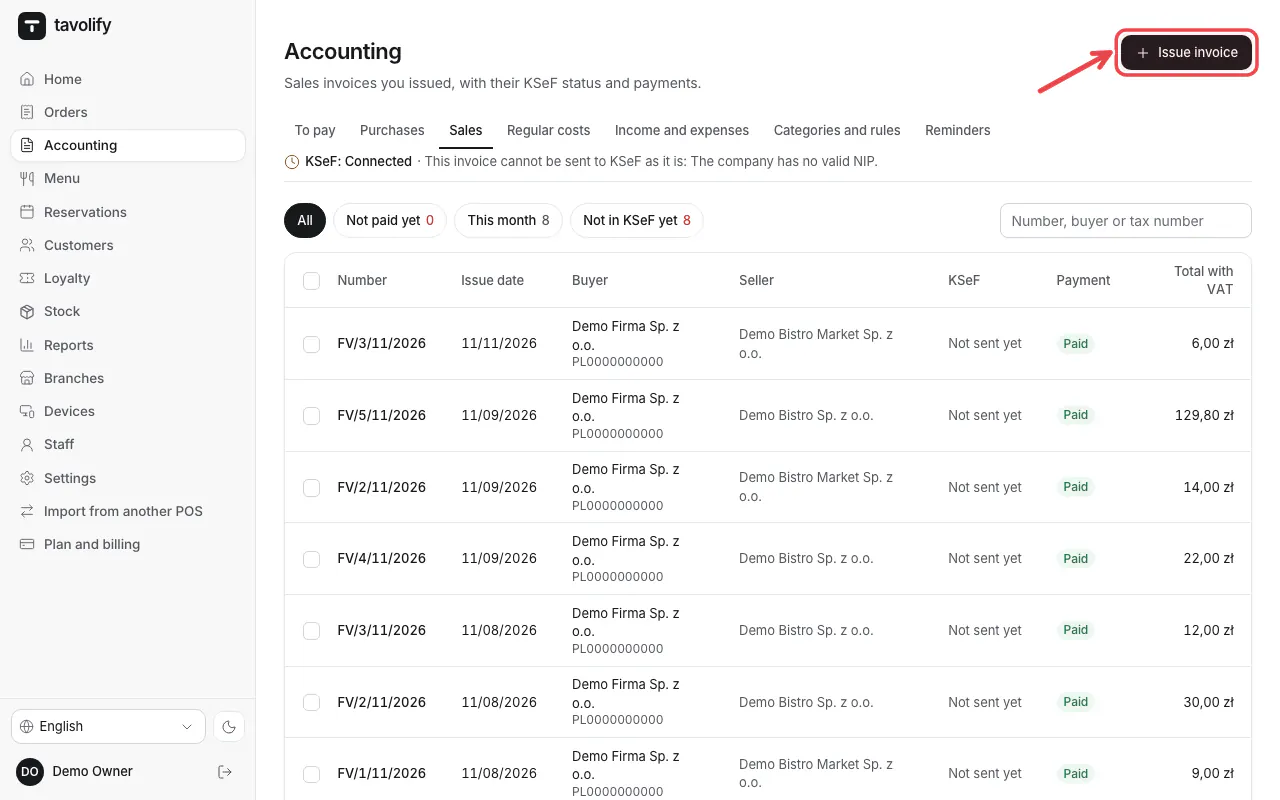
Open Accounting → Sales and tap Issue invoice.
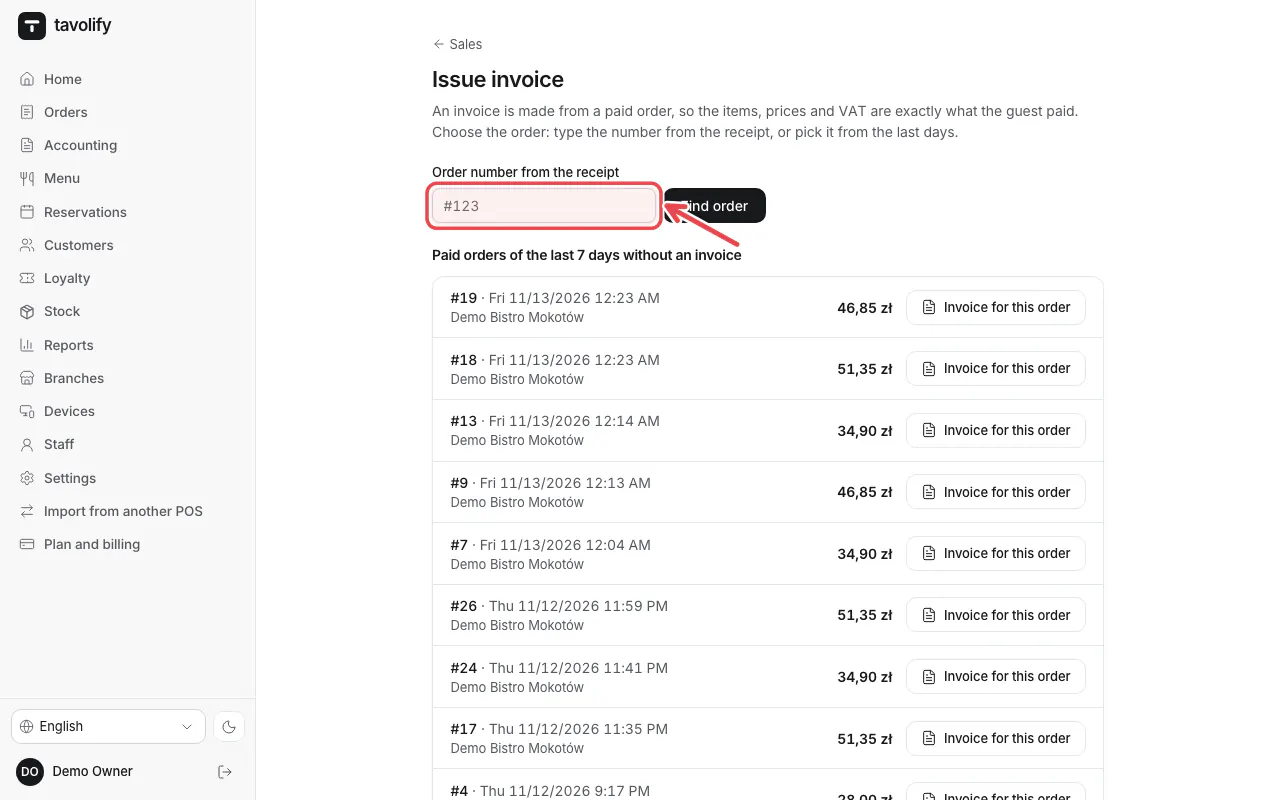
Type the Order number from the receipt and tap Find order.
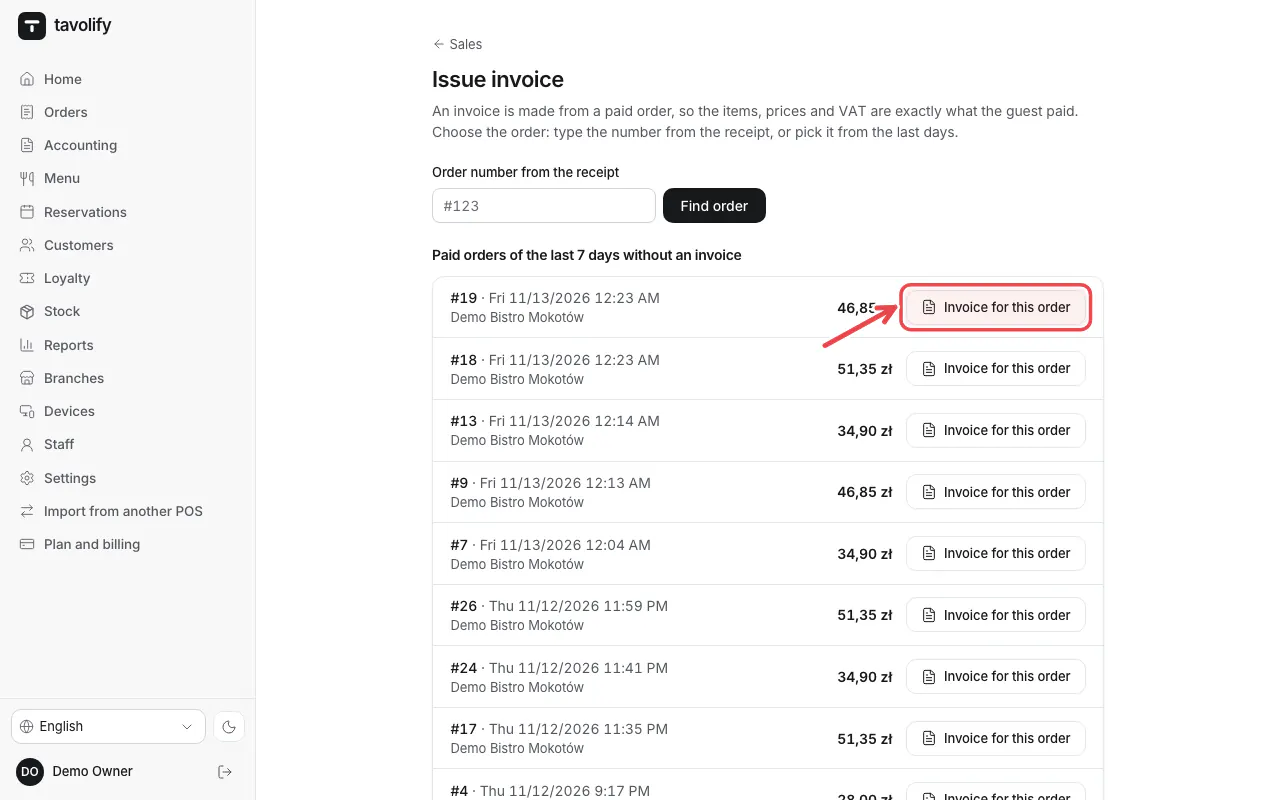
Or tap Invoice for this order next to a recent paid order. Enter the buyer; a NIP fills the company by itself.
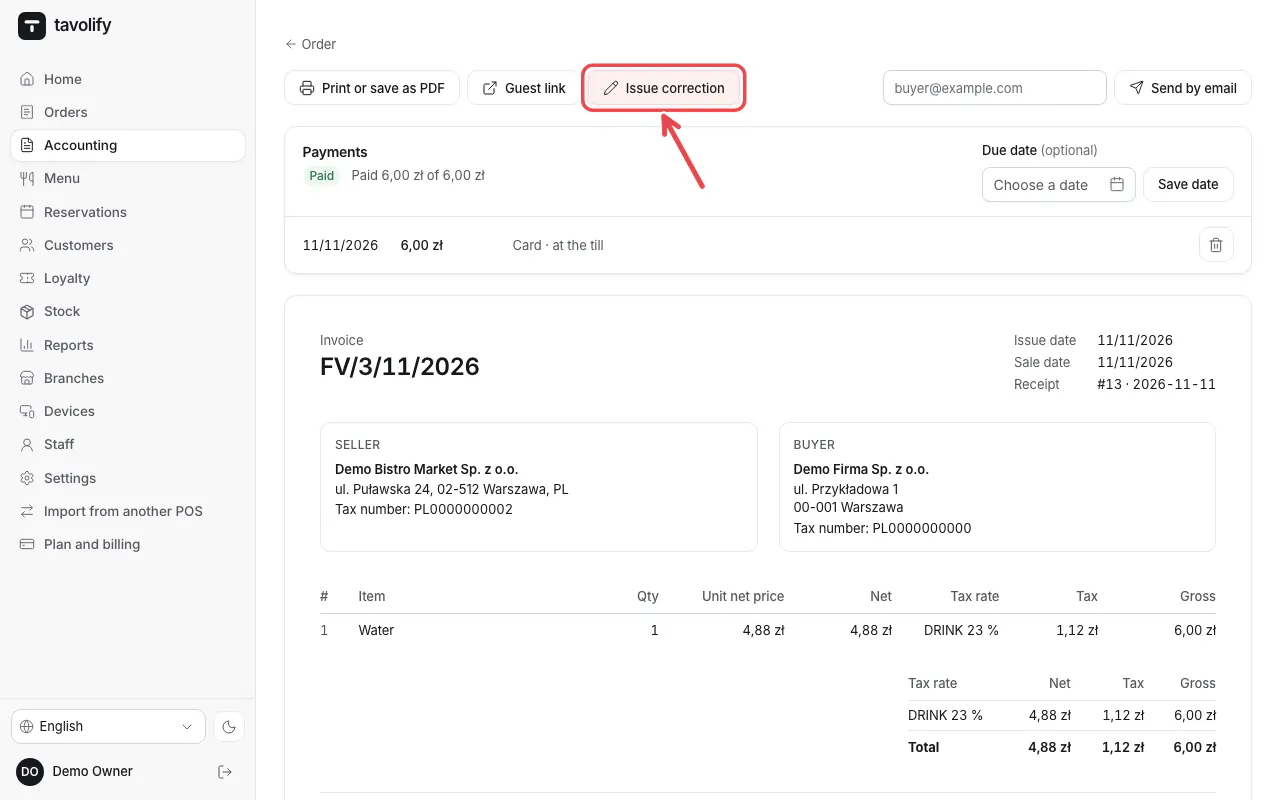
To correct an invoice, open it and tap Issue correction.
Important: In Poland an invoice for a business can only be issued when the NIP was printed on the receipt.
Related articles
- Connect KSeF
- Purchase invoices from KSeF
- Several companies (tax numbers) in one restaurant
Did this answer your question?
Still need help?Our team is happy to answer.
Send us a message