
Connect KSeF
Connect your company to KSeF in Tavolify with a KSeF token to send sales invoices and receive supplier invoices automatically.
1 min readUpdated November 13, 2026
KSeF is the Polish national e-invoice system. Each company connects with its own token.
Steps
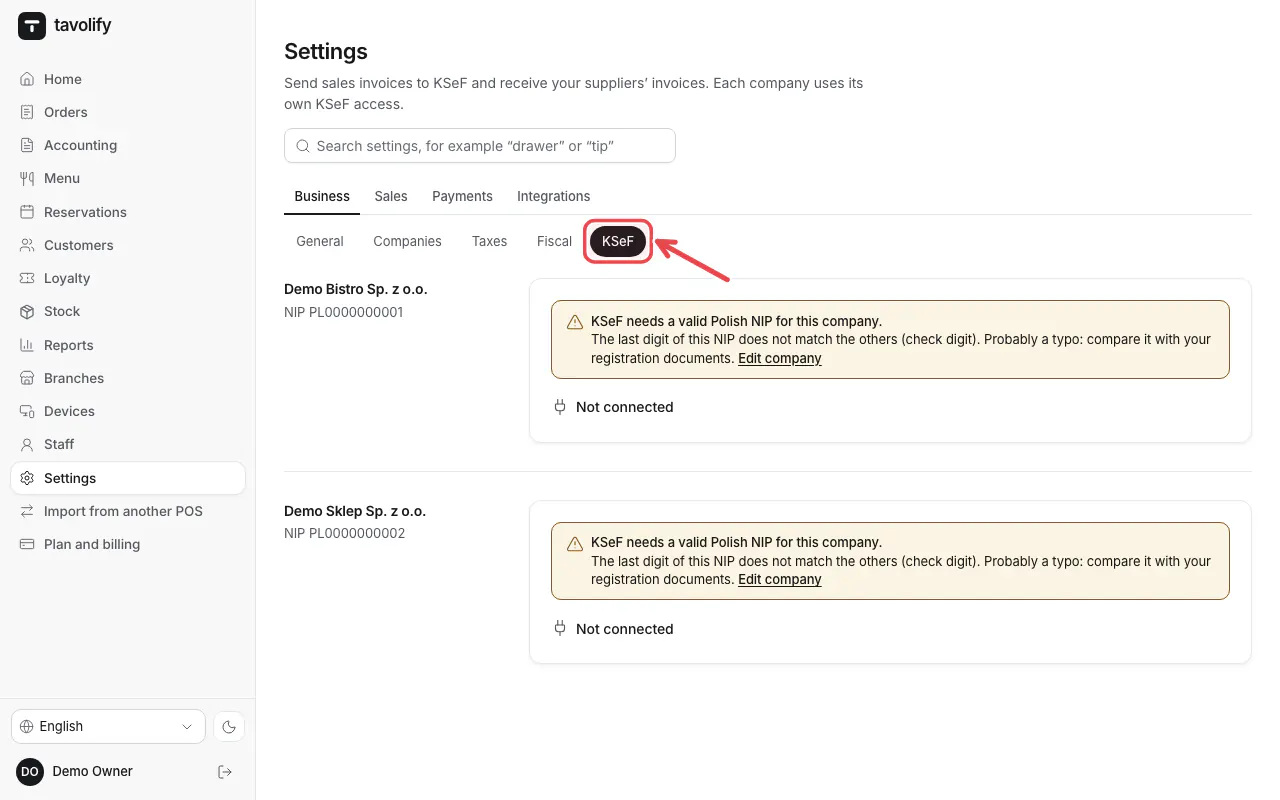
Open Settings → KSeF.
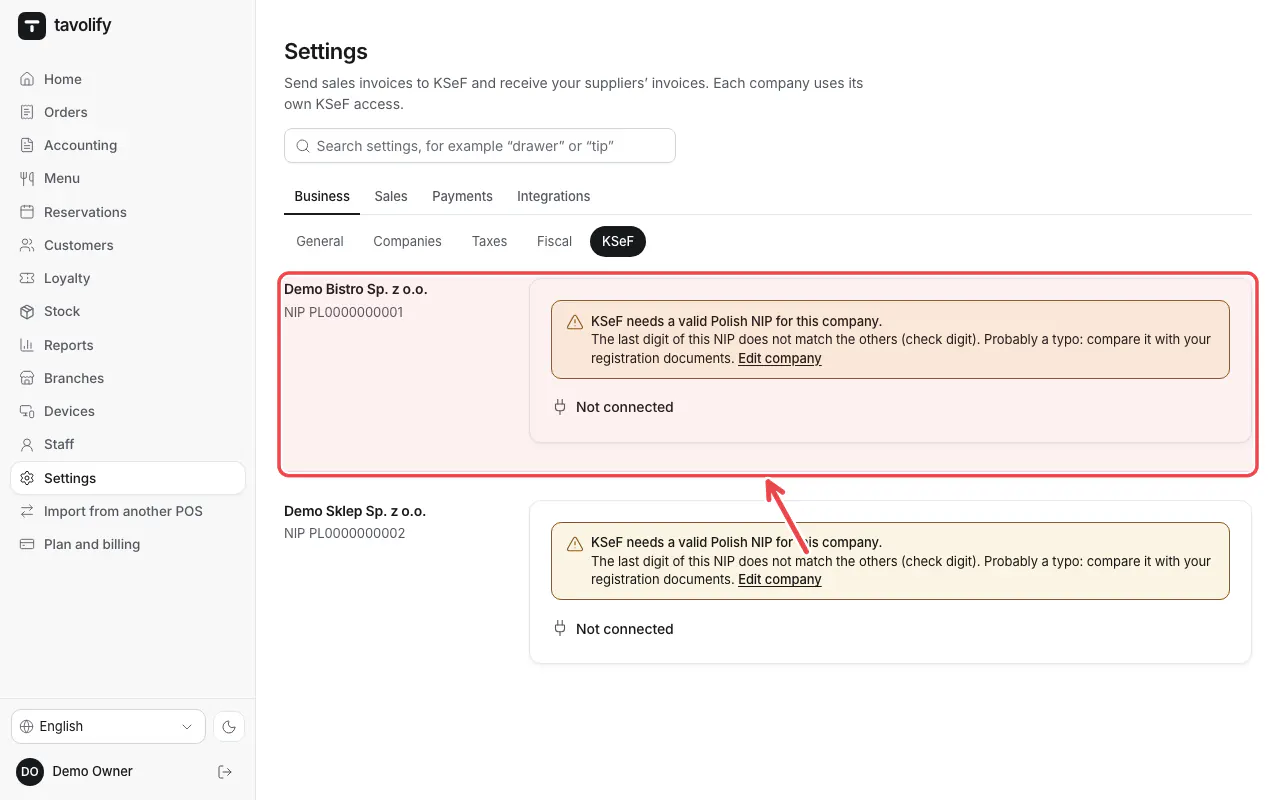
Your companies are listed. Open the company, paste the KSeF token from the KSeF portal and save.
Important: The token is a secret. Only paste it into Tavolify.
Related articles
- Purchase invoices from KSeF
- Issue a VAT invoice
- Several companies (tax numbers) in one restaurant
Did this answer your question?
Still need help?Our team is happy to answer.
Send us a message