
Loyalty programme
Set up a Tavolify loyalty programme: credit for spending, points or stamps, paying with credit, expiry, levels and members.
1 min readUpdated November 13, 2026
A loyalty programme brings guests back. They earn on every paid bill.
Steps
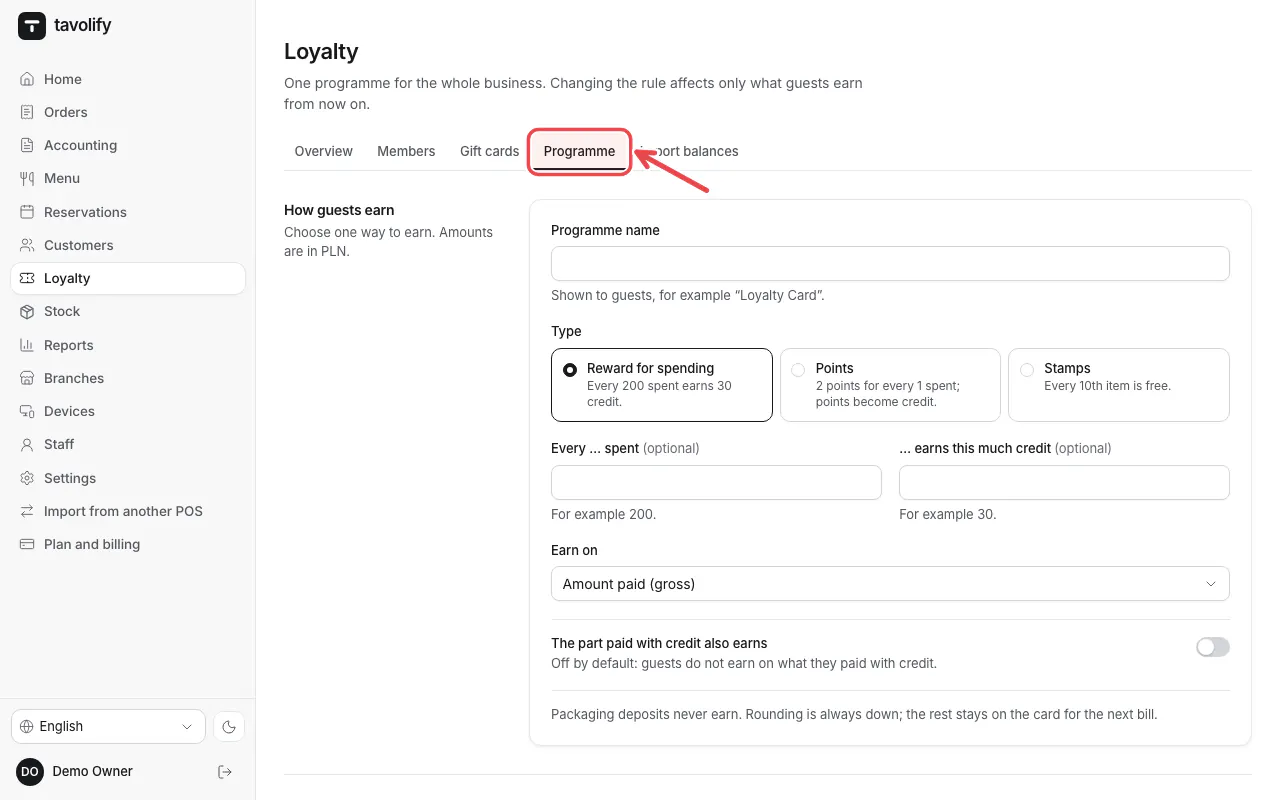
Open Loyalty → Programme.
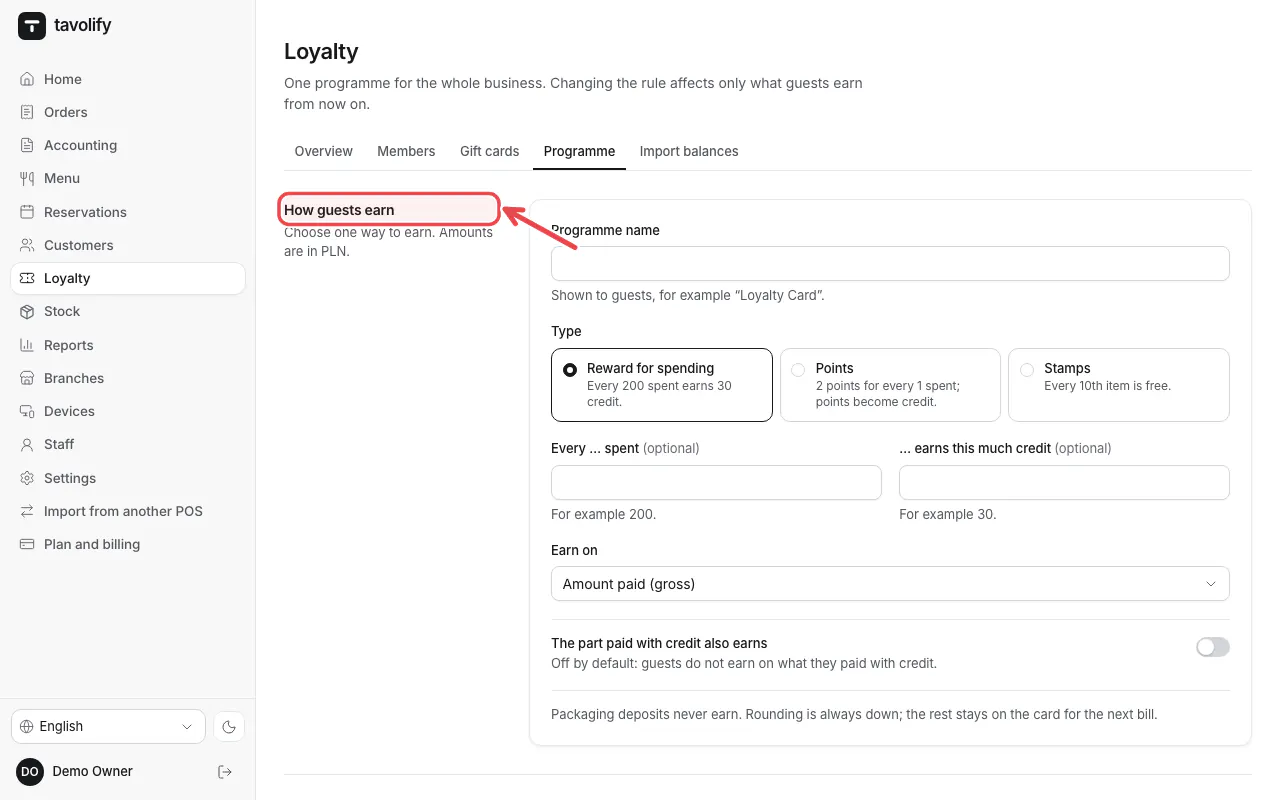
Under How guests earn choose Reward for spending, points or stamps and set the amounts.
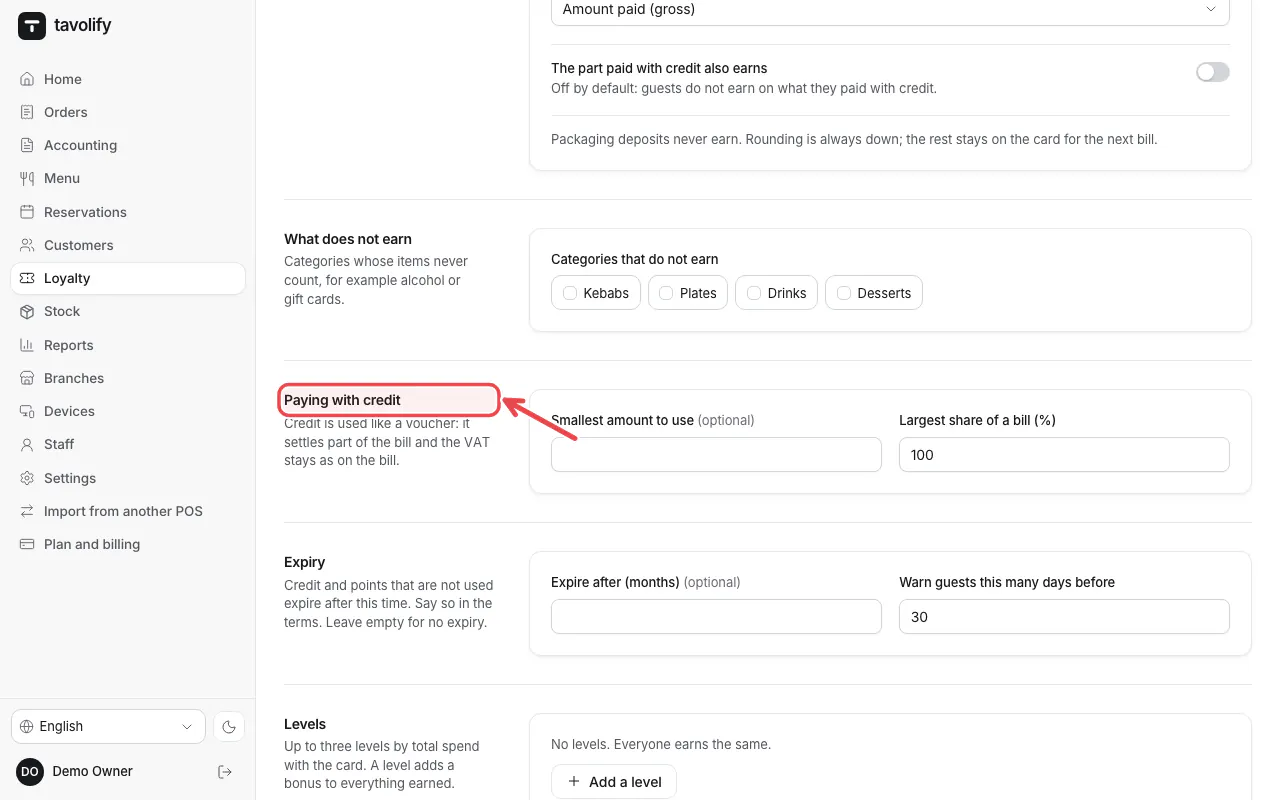
Set Paying with credit and Expiry, then Save and Publish new version.
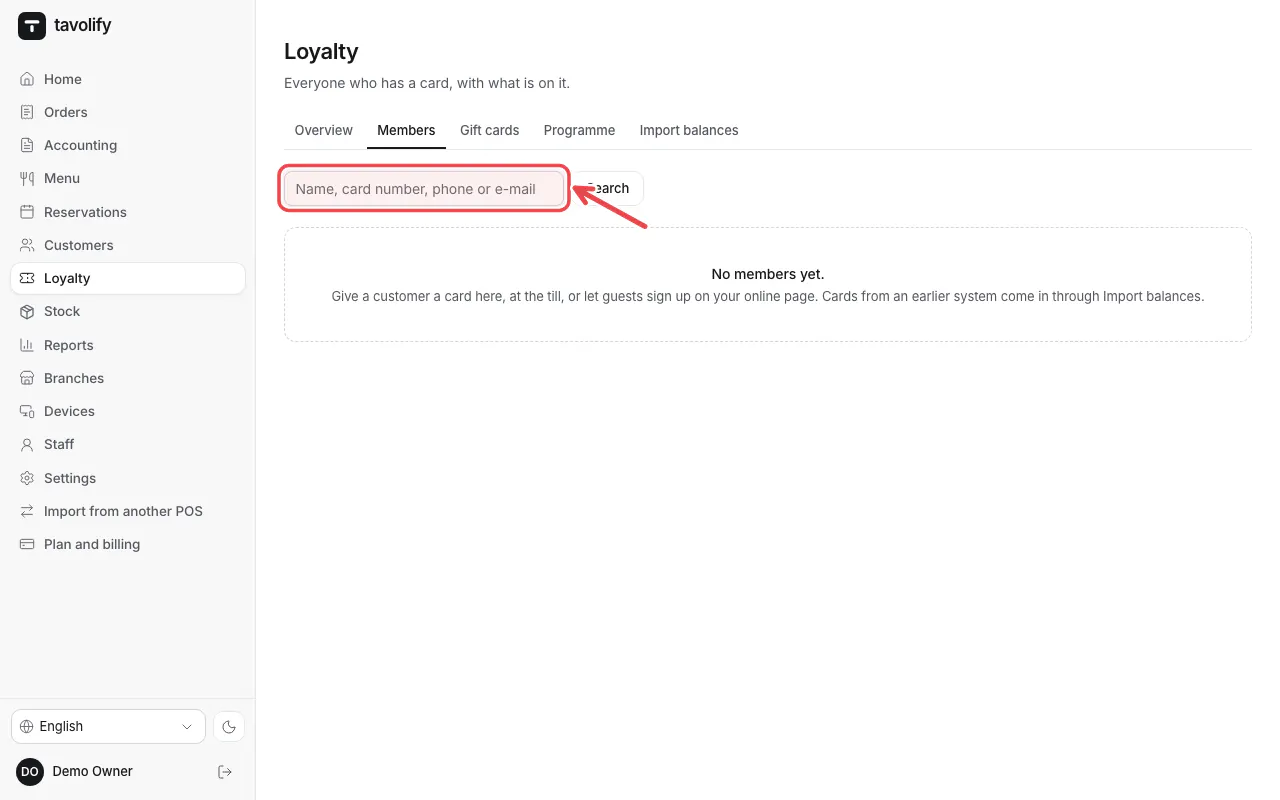
Under Members find cards and balances.
Related articles
- Gift cards
- Customers and their history
- Move from another POS
Did this answer your question?
Still need help?Our team is happy to answer.
Send us a message