
Gift cards
Sell Tavolify gift cards in the admin or POS, send them by e-mail, set a validity date and let guests spend them in parts.
1 min readUpdated November 13, 2026
A gift card has a code and a balance. Guests can spend it in parts.
Steps
Open Loyalty → Gift cards. Use Sell a gift card.
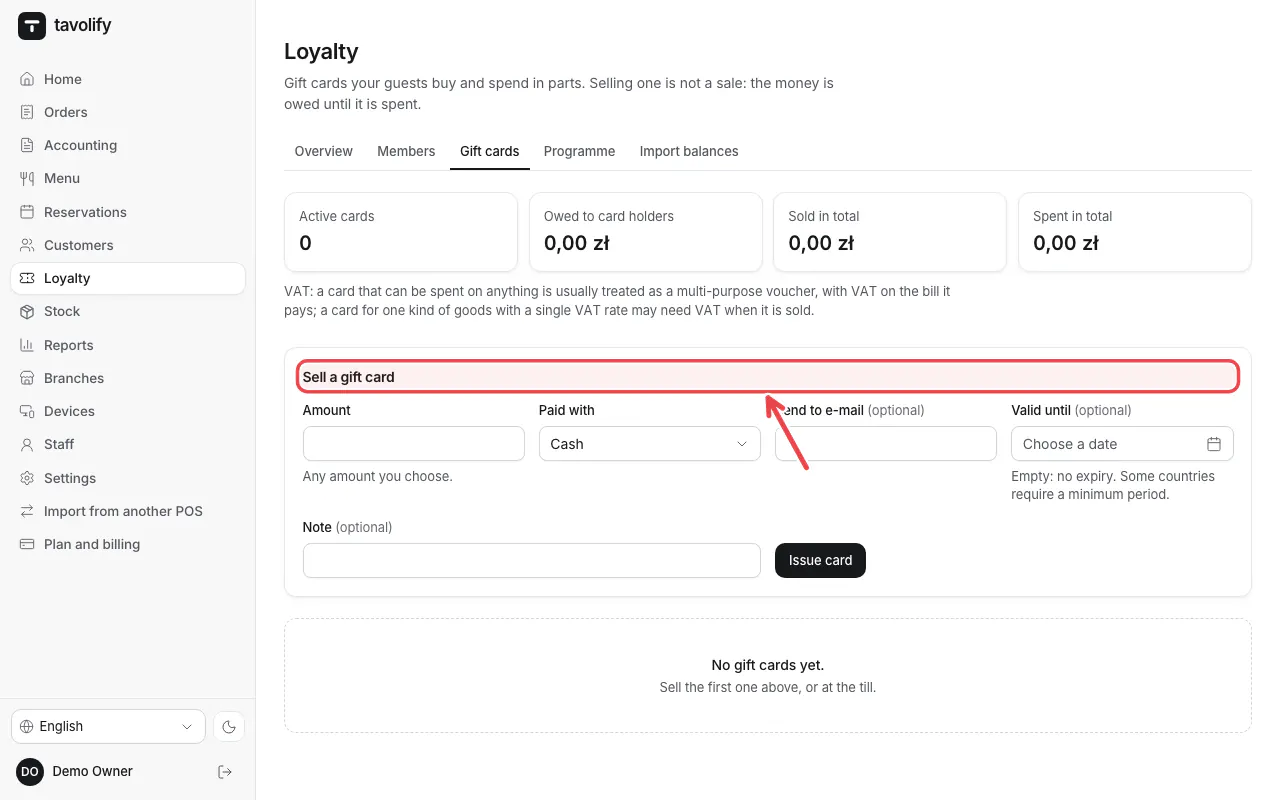
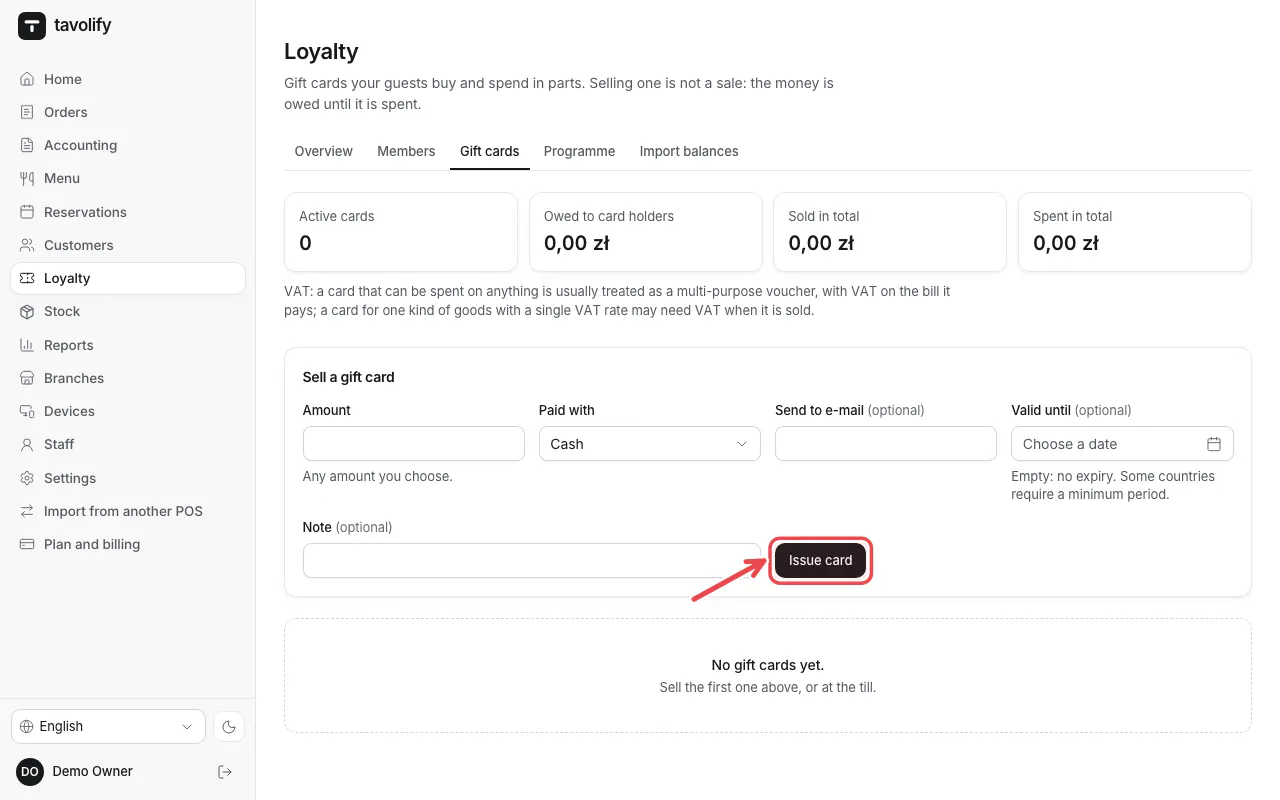
Enter the Amount, Paid with and, if you like, an e-mail and a validity date. Tap Issue card.
Related articles
- Loyalty programme
- Take payment: cash, card and more
- Customers and their history
Did this answer your question?
Still need help?Our team is happy to answer.
Send us a message