
Customers and their history
Manage customers in Tavolify: contact details, addresses, notes, allergies, order history, discount groups and GDPR data export.
1 min readUpdated November 13, 2026
Customers are saved from the POS, online orders and bookings.
Steps
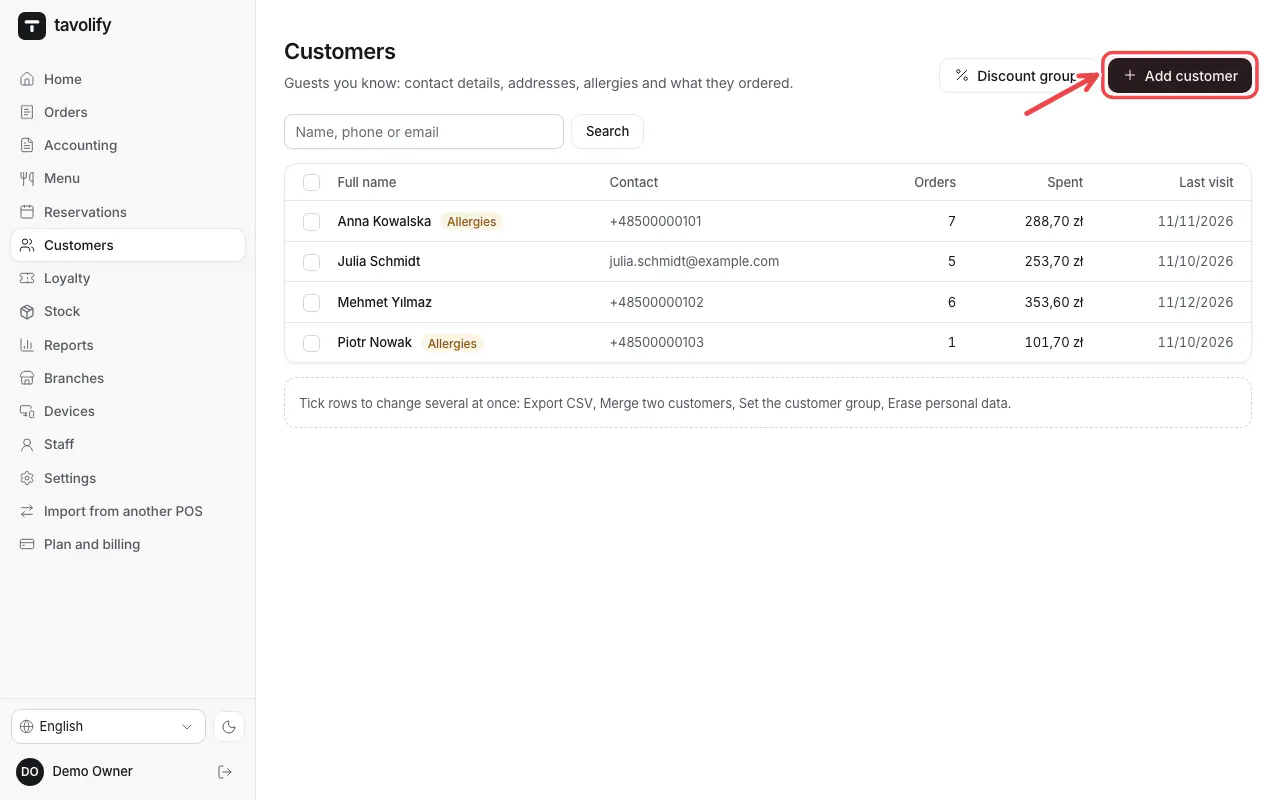
Open Customers. Search by name or phone, or tap Add customer.
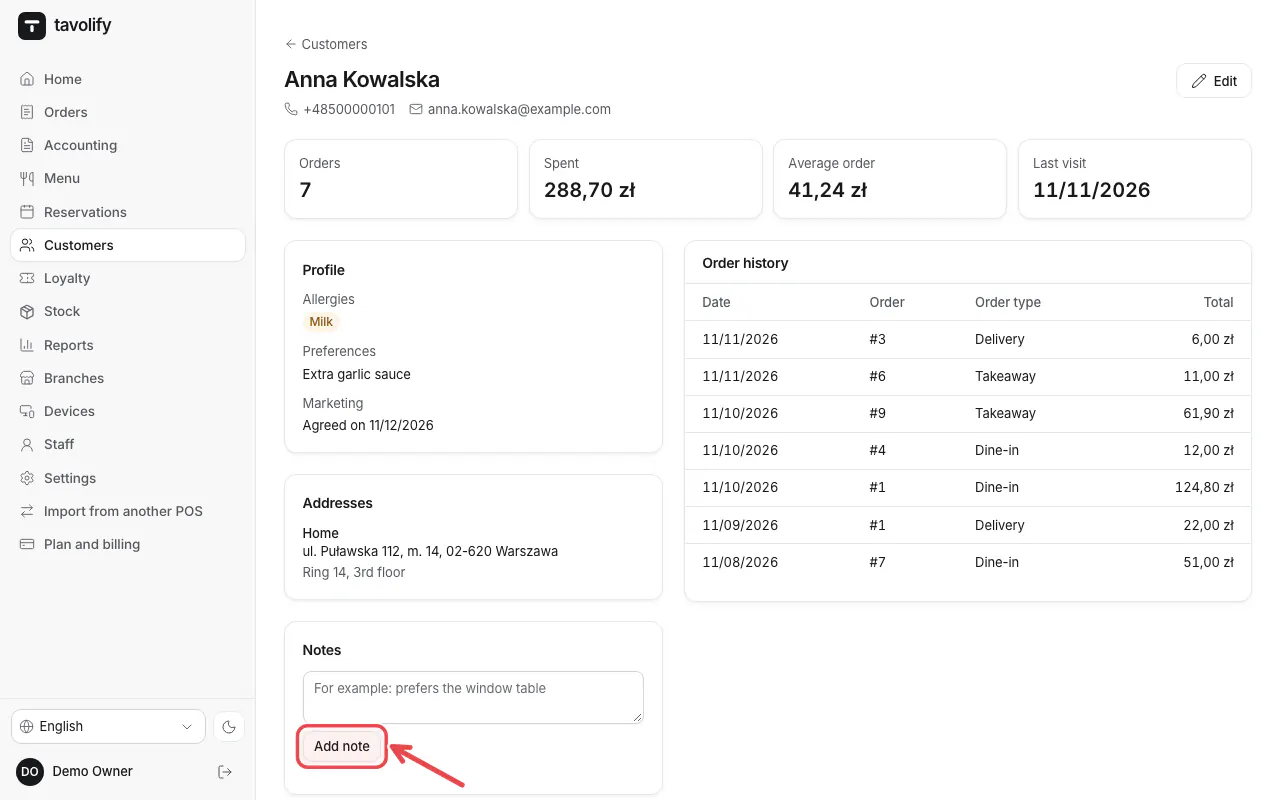
Open a customer to see the profile, addresses and order history. Tap Add note for staff notes.
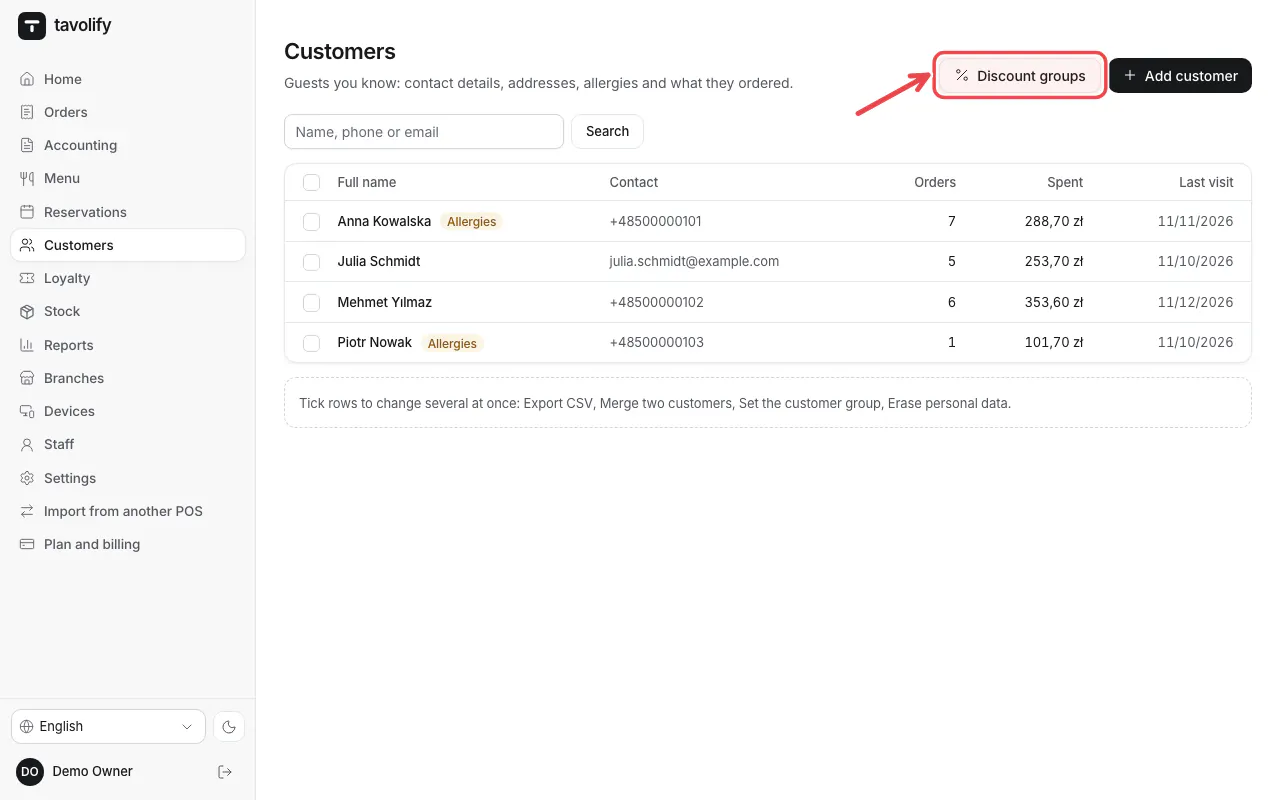
Discount groups give a group of customers a fixed discount.
Tip: Download data (JSON) and Erase customer help with GDPR requests.
Related articles
- Loyalty programme
- Gift cards
- Bookings and the waitlist day to day
Did this answer your question?
Still need help?Our team is happy to answer.
Send us a message