
Receipt and invoice e-mails do not arrive
Receipt or invoice e-mails from Tavolify do not arrive? Check the address and spam, and the SMTP settings in Platform settings.
1 min readUpdated November 13, 2026
Receipts e-mailed from the POS, invoices and sign-up mails go out through the e-mail server of the platform.
Steps
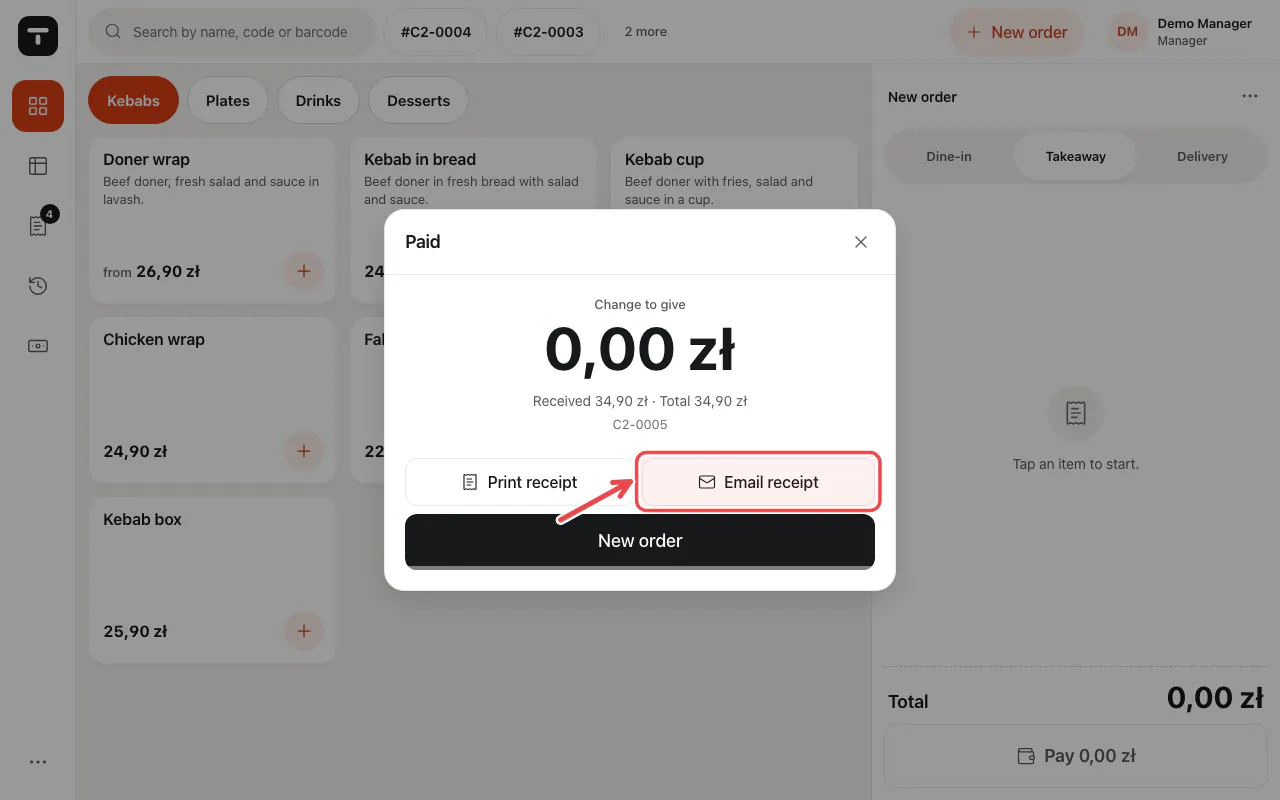
After a payment you can e-mail the receipt. Check the address the guest gave.
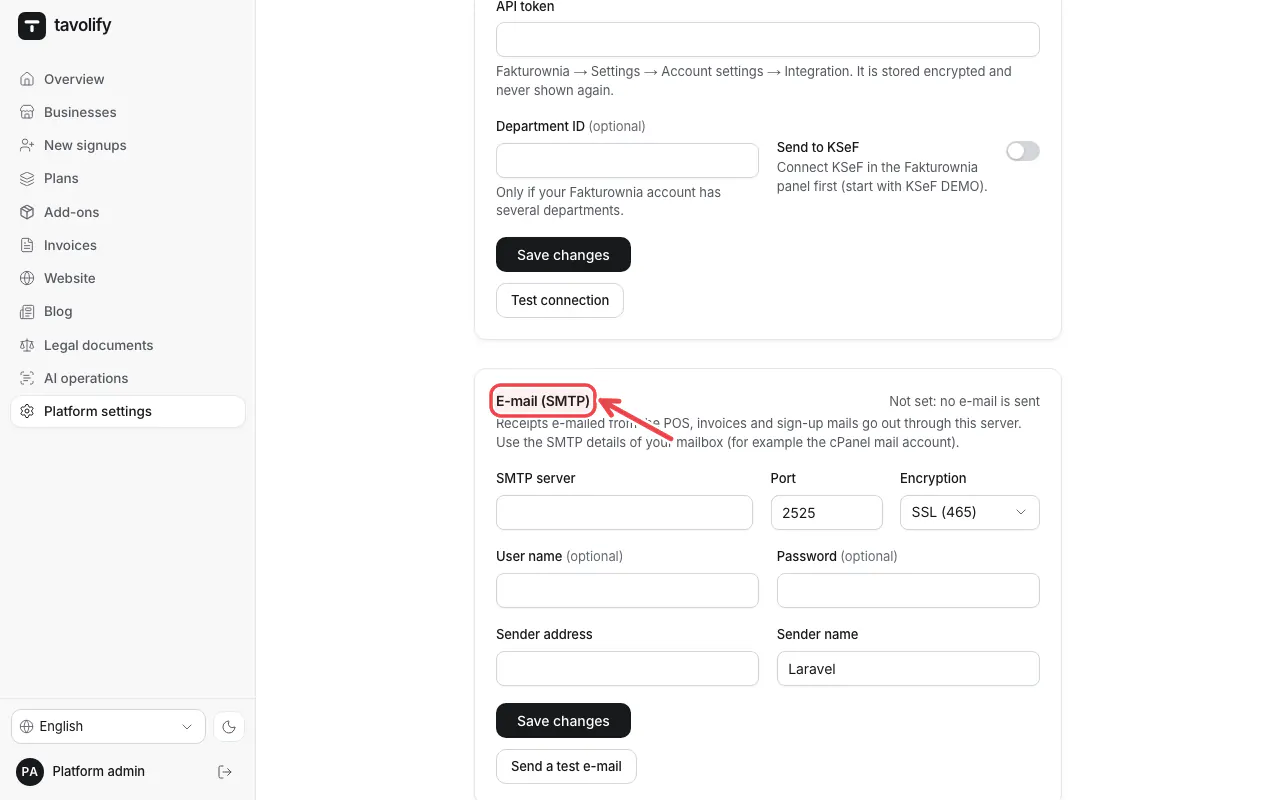
Platform administrators: Platform settings → E-mail (SMTP) holds the server, port, user and sender. Send a test e-mail there.
Tip: Ask the guest to look in the spam folder.
Related articles
- The printer does not print
- Issue a VAT invoice
- Take online payments
Did this answer your question?
Still need help?Our team is happy to answer.
Send us a message