
Set up the self-order kiosk
Set up the Tavolify self-order kiosk: switch it on, choose guest languages and payment, pair the kiosk and see the guest flow.
1 min readUpdated November 13, 2026
The kiosk takes orders while your staff cook. Orders go straight to the kitchen.
Steps
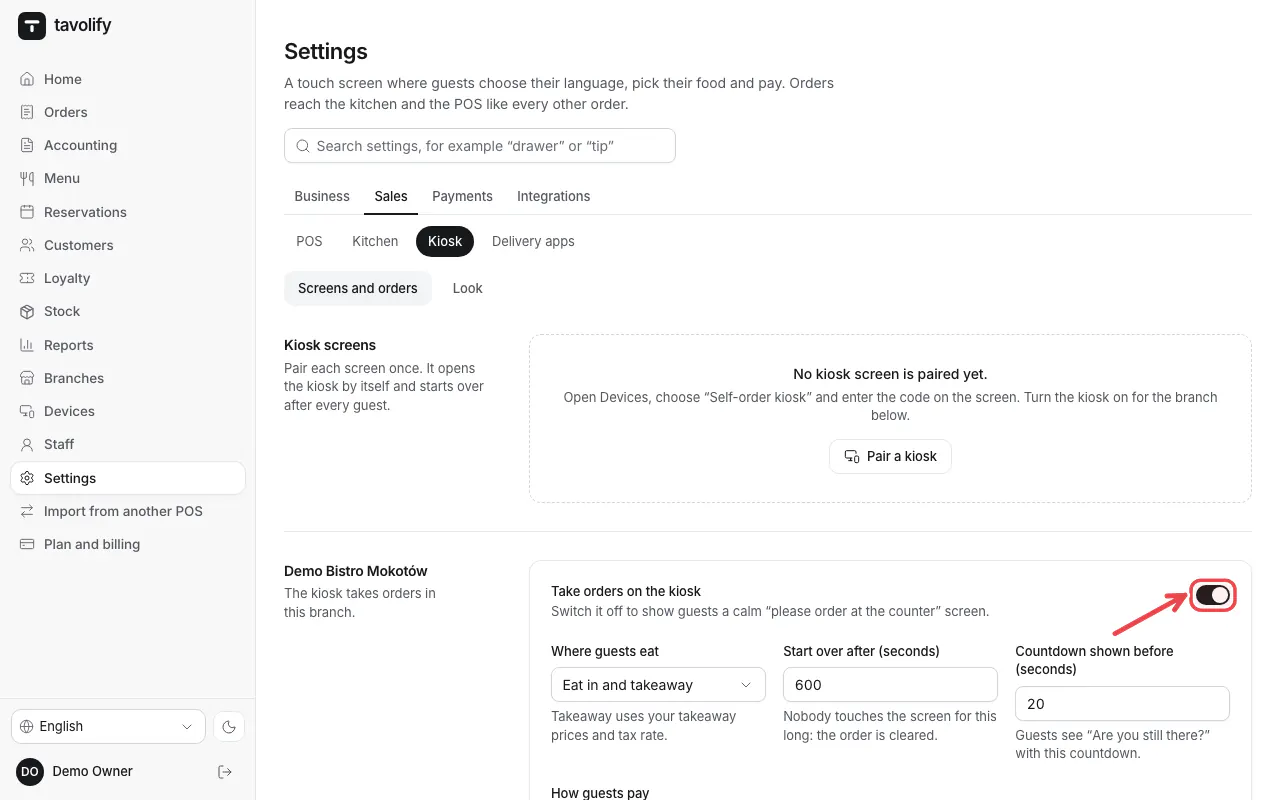
Open Settings → Kiosk. Switch on Take orders on the kiosk for the branch.
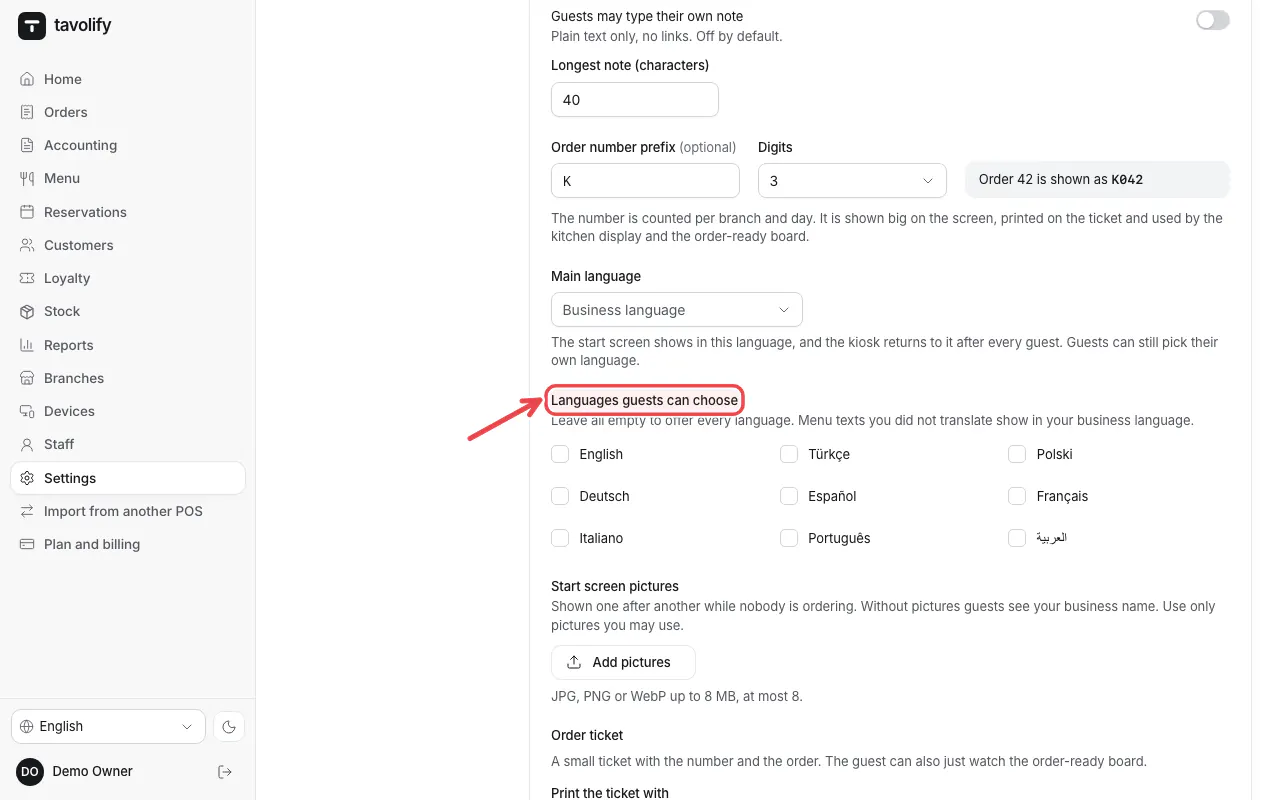
Choose the Languages guests can choose and how guests pay. Save.
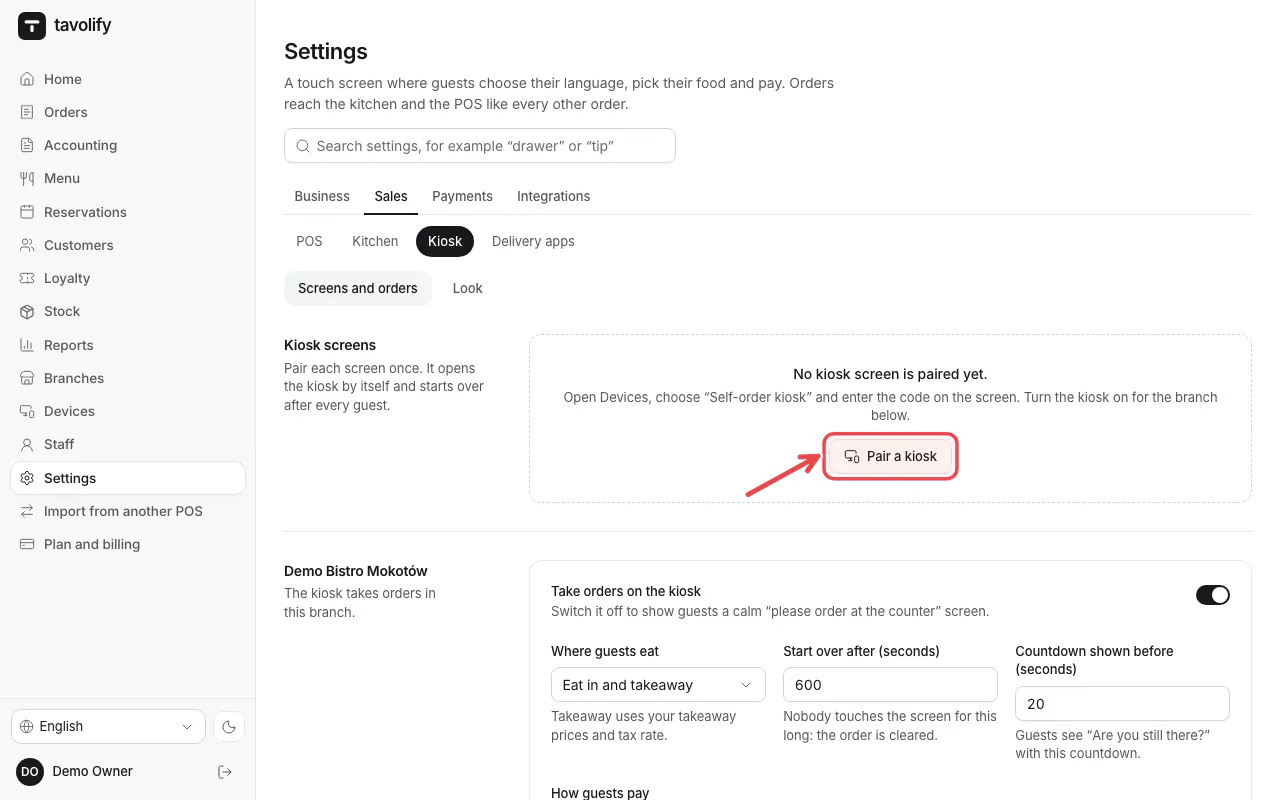
Tap Pair a kiosk and pair the tablet with the code. When a kiosk is already paired, the link says Manage devices.
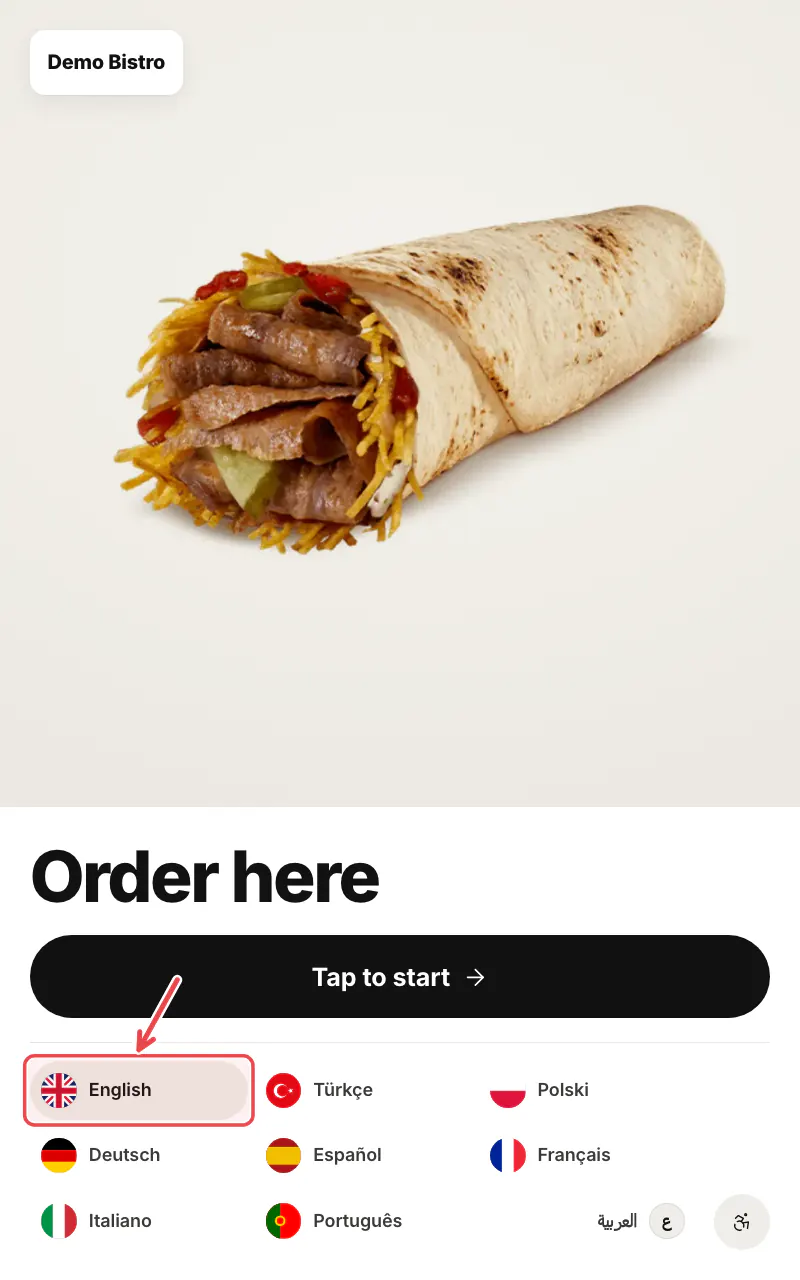
The kiosk shows the start screen. Guests tap their language, or Tap to start in the language shown.
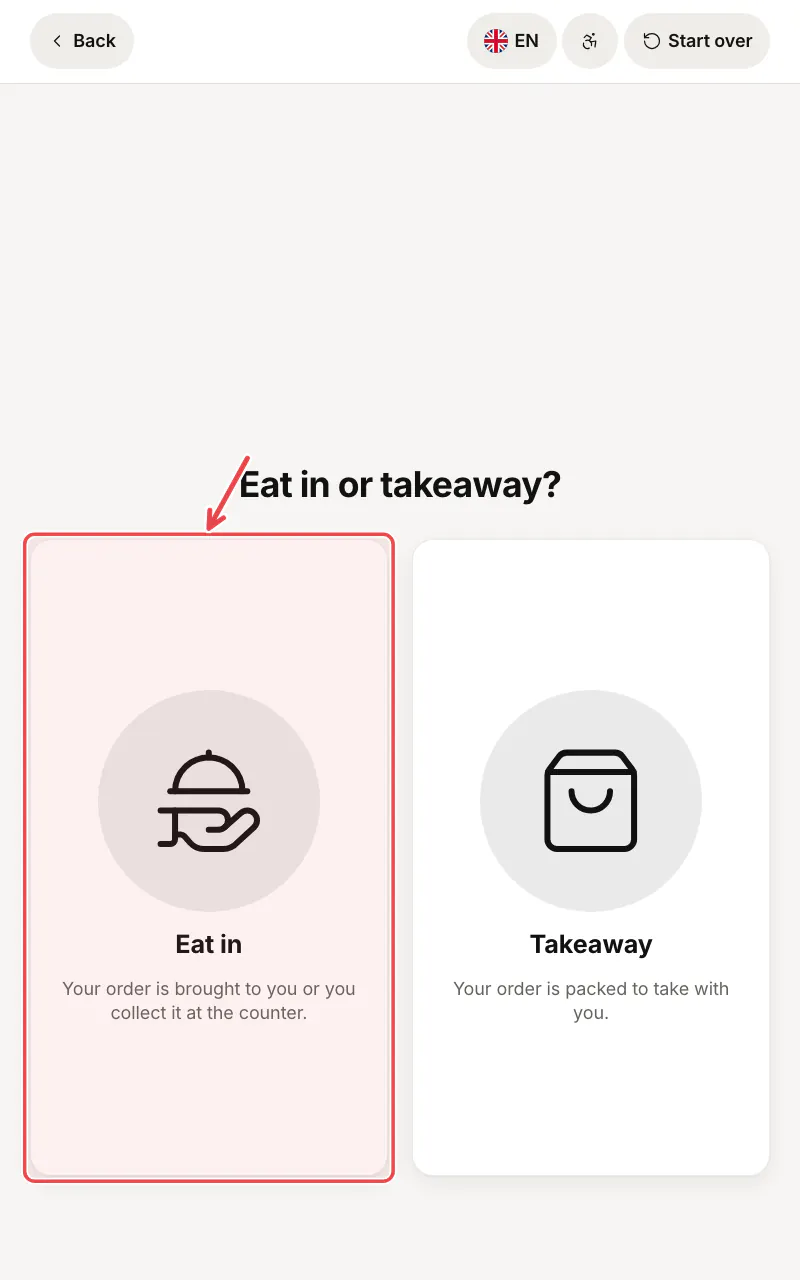
They choose Eat in or Takeaway.
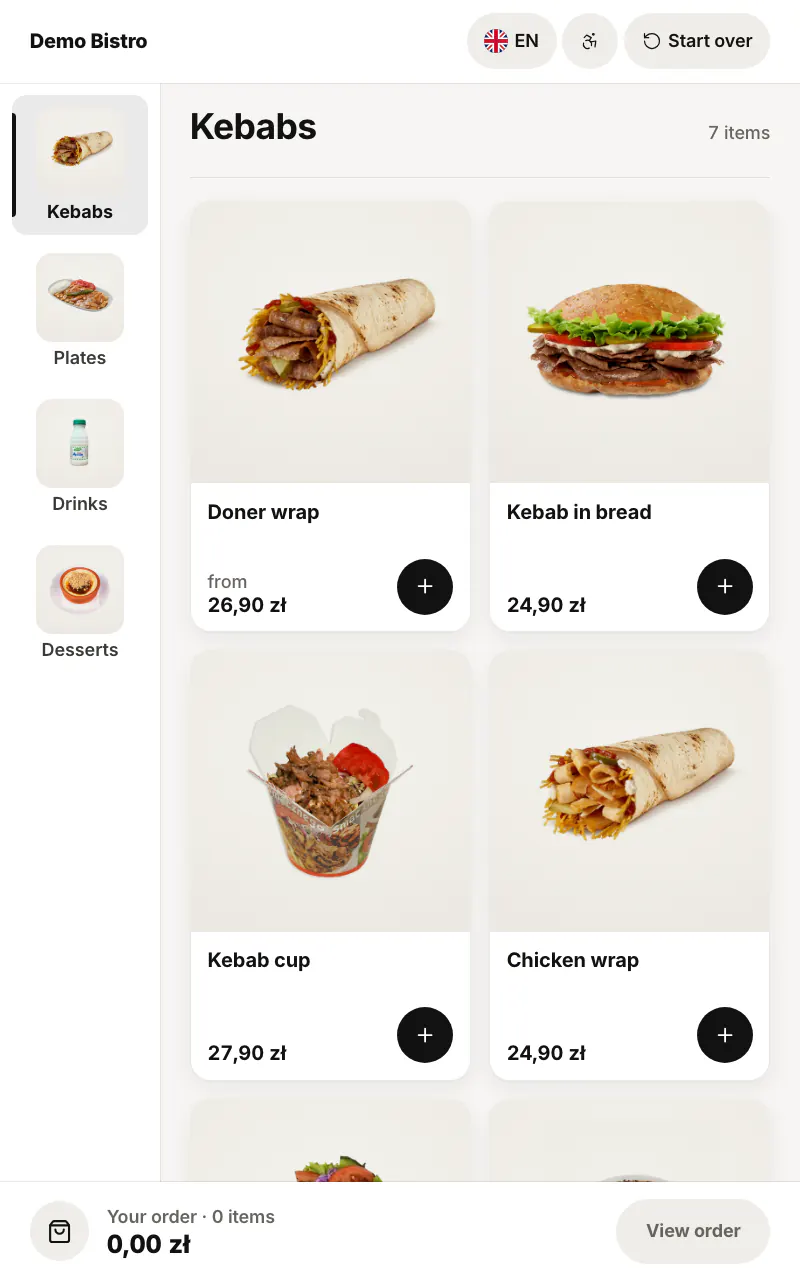
Then they pick items from the menu and pay.
Related articles
- The look of the kiosk
- A card terminal for the kiosk
- Order-ready board for guests
Did this answer your question?
Still need help?Our team is happy to answer.
Send us a message