
QR codes on the tables
Print Tavolify QR codes for your tables so guests see the menu, order, call the waiter or ask for the bill from their phone.
1 min readUpdated November 13, 2026
Each table has its own QR code. The order arrives at the right table.
Steps
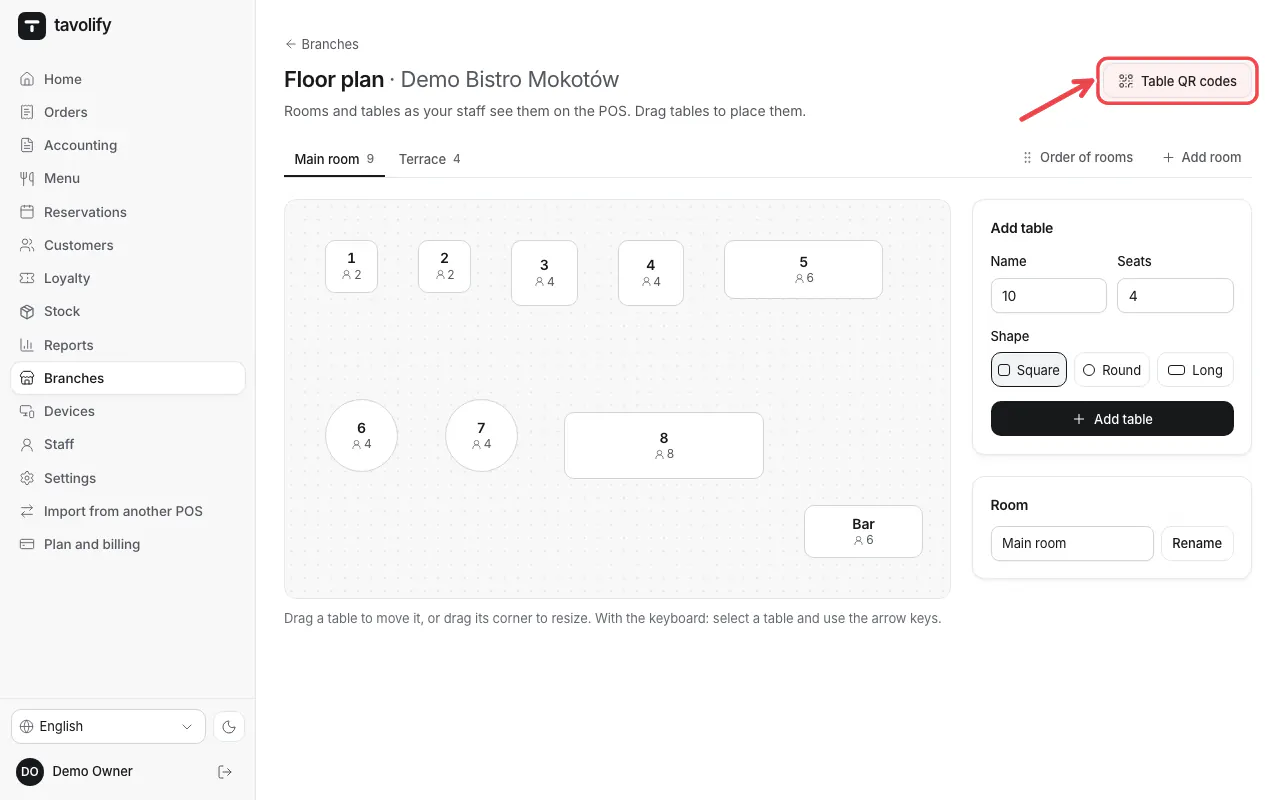
In the floor plan of the branch tap Table QR codes.
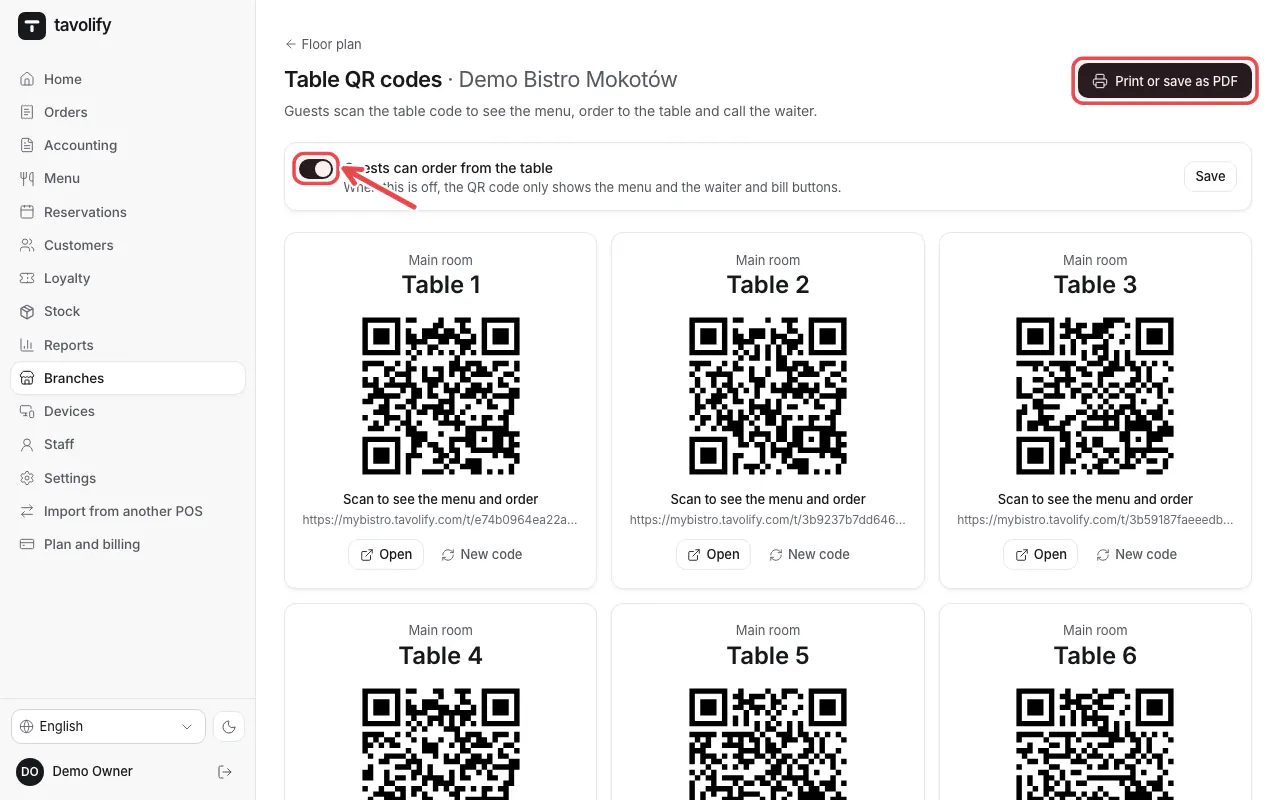
Choose whether Guests can order from the table or only see the menu. Tap Print or save as PDF.
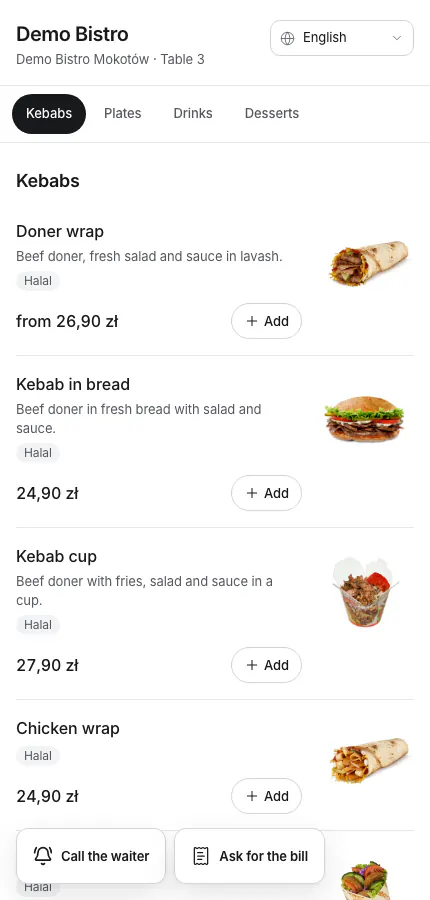
Guests scan the code and see your menu in their language.
Related articles
- Online ordering: pickup and delivery
- Take online payments
- Tables and the floor plan
Did this answer your question?
Still need help?Our team is happy to answer.
Send us a message