
Ingredients, recipes and food cost
Add ingredients, write recipes for your dishes and see food cost in Tavolify inventory, with stock deducted on every sale.
1 min readUpdated November 13, 2026
With recipes, each sale takes its ingredients off the stock, and you see what each dish costs.
Steps
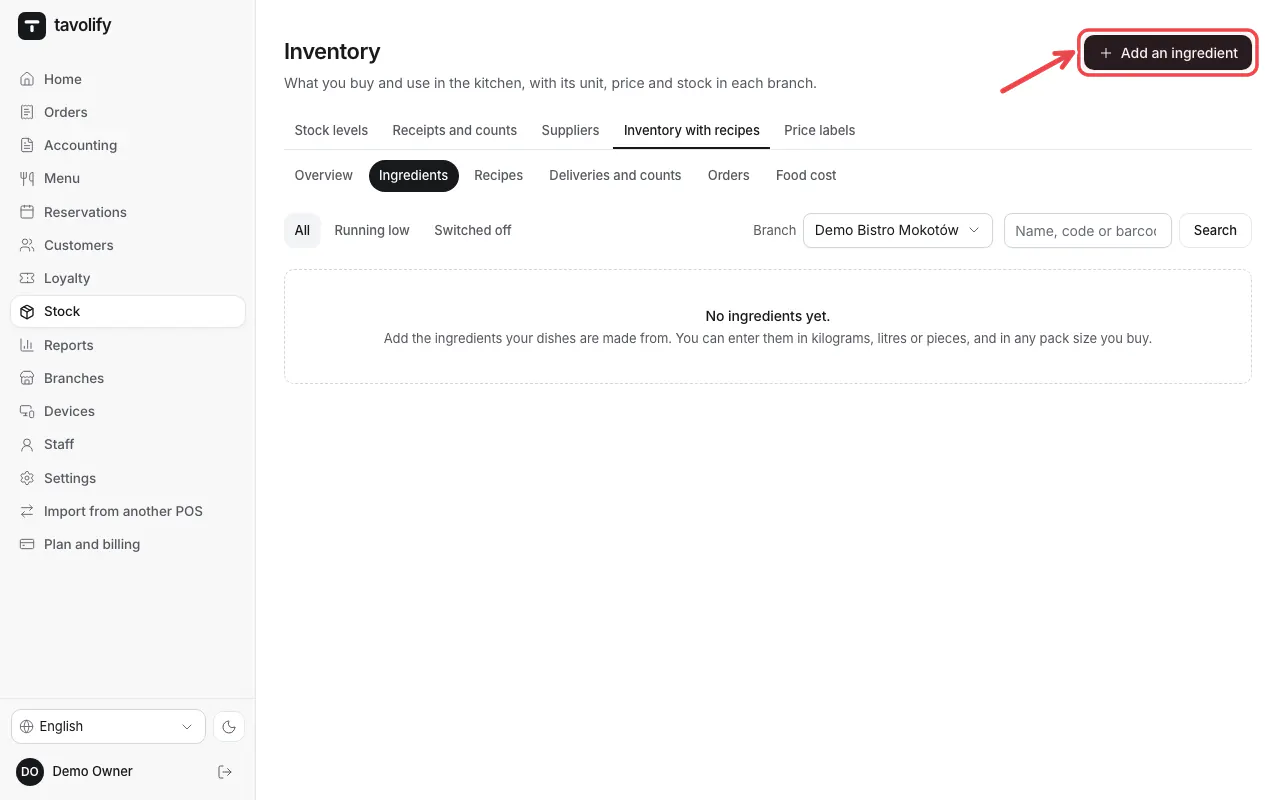
Open Inventory → Ingredients and tap Add an ingredient.
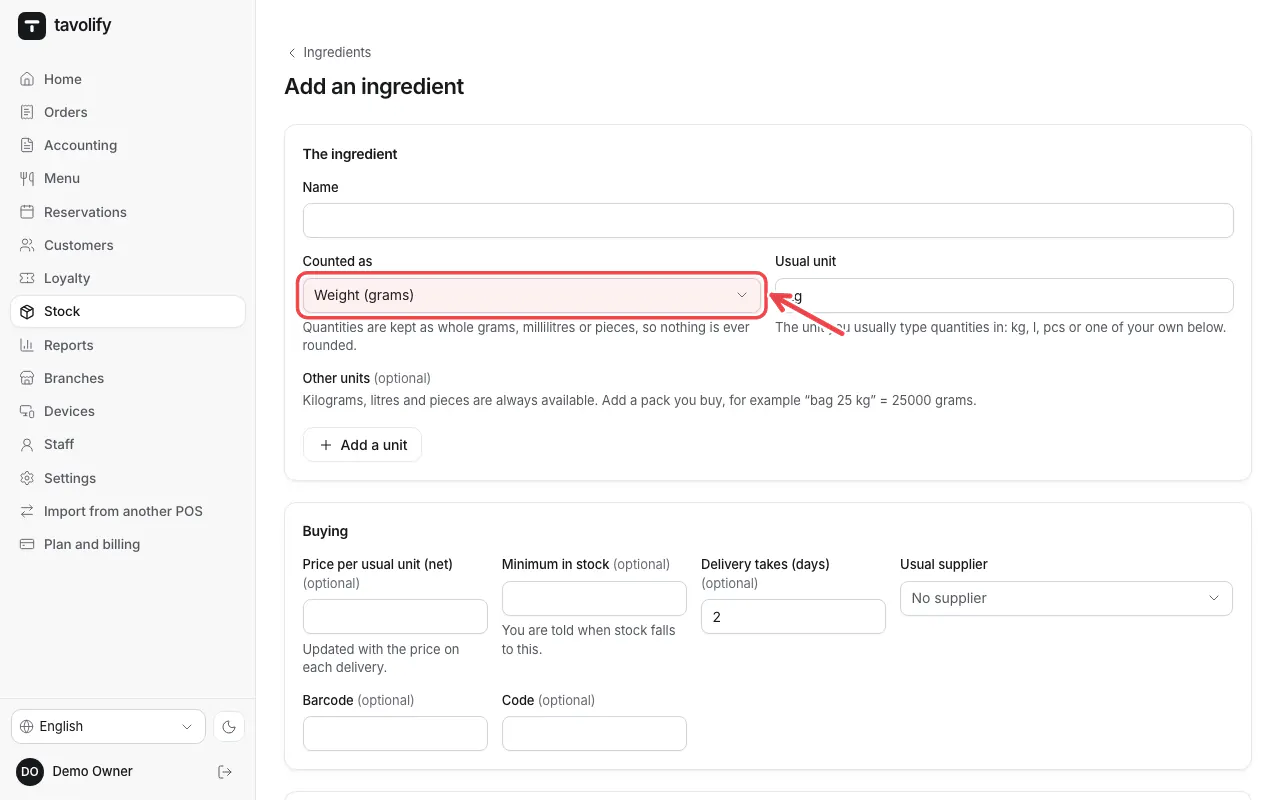
Enter the Name, how it is Counted as, the unit and the price.
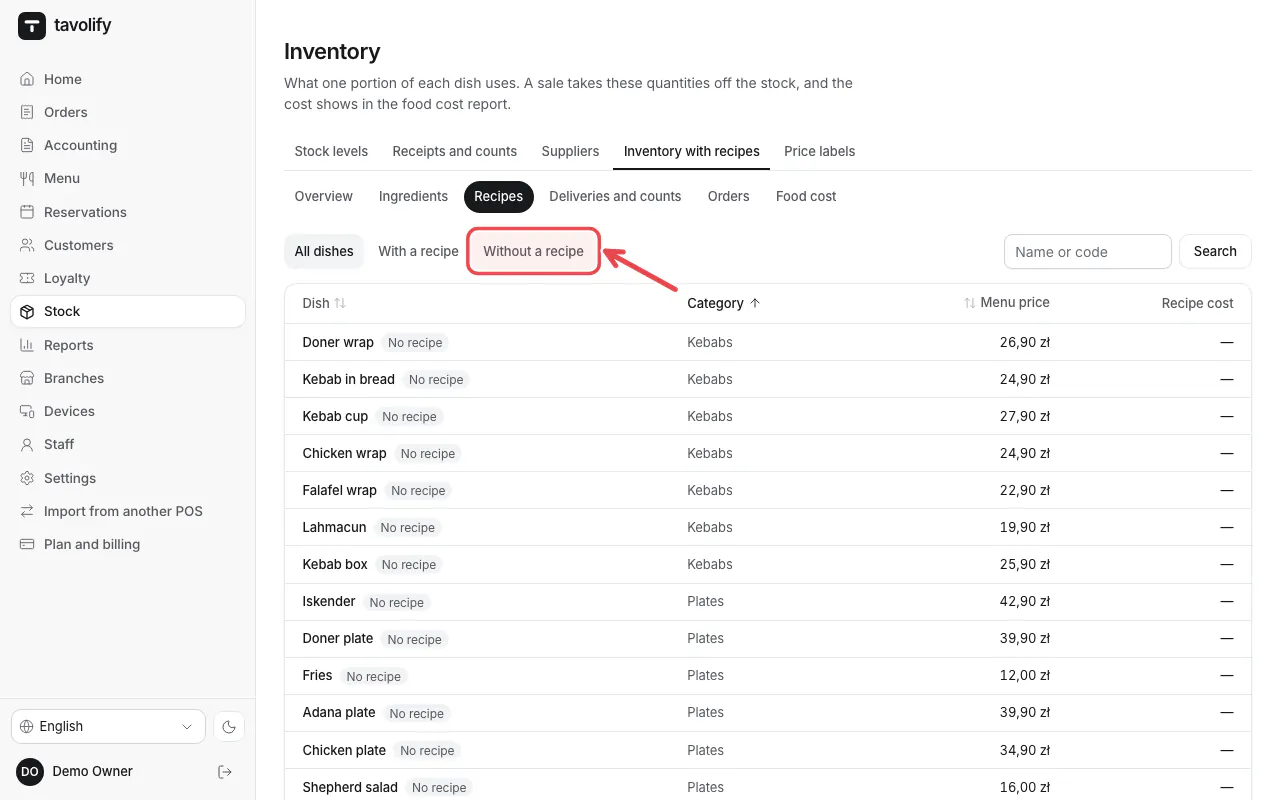
Under Recipes open a dish Without a recipe and add its ingredients.
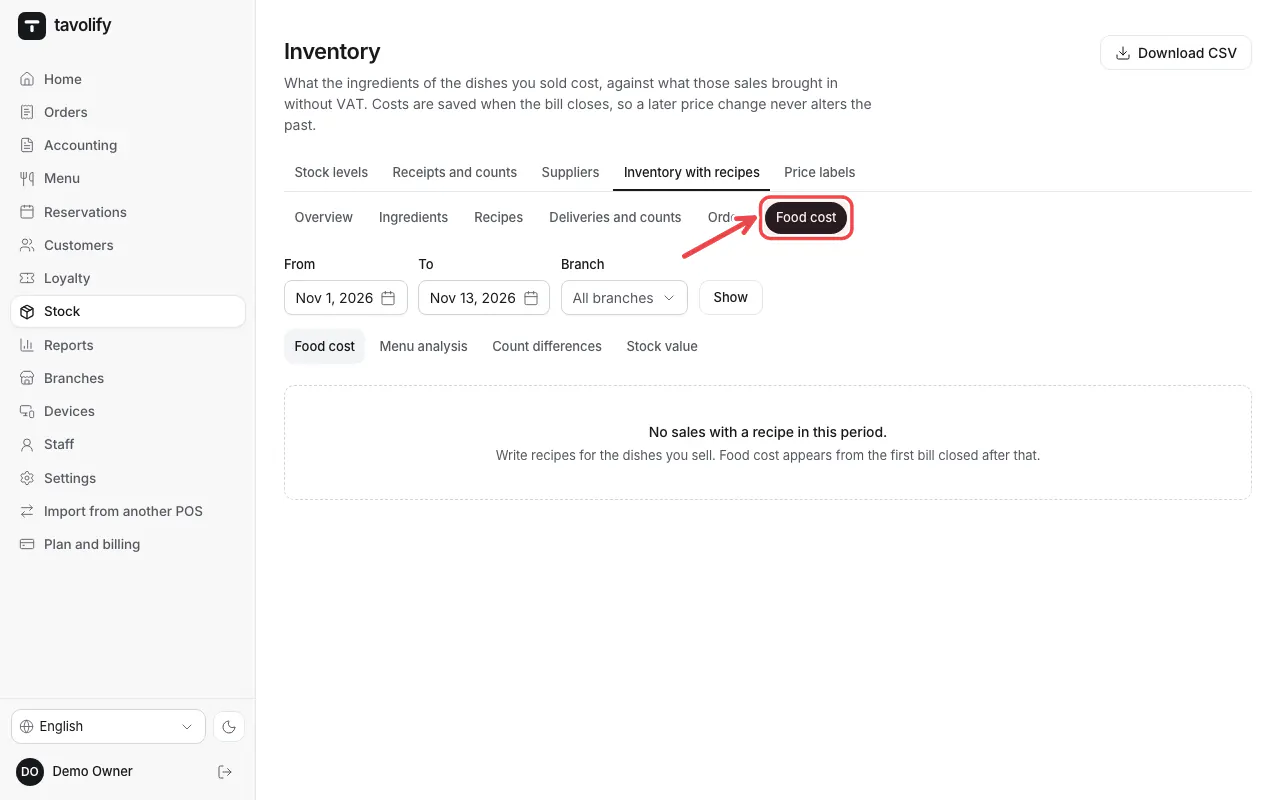
Food cost shows the cost and margin of each dish.
Related articles
- Stock: receive goods and count stock
- Sales reports
- Add a menu item
Did this answer your question?
Still need help?Our team is happy to answer.
Send us a message