
Connect a card terminal (Standard ECR)
Connect an Ingenico, PAX, Verifone or Elavon card terminal to the Tavolify POS over the network with the Standard ECR protocol.
1 min readUpdated November 13, 2026
With a connected terminal the cashier never types the amount twice, and the sale is recorded only when the terminal approves.
Steps
Open Settings → Card terminals.
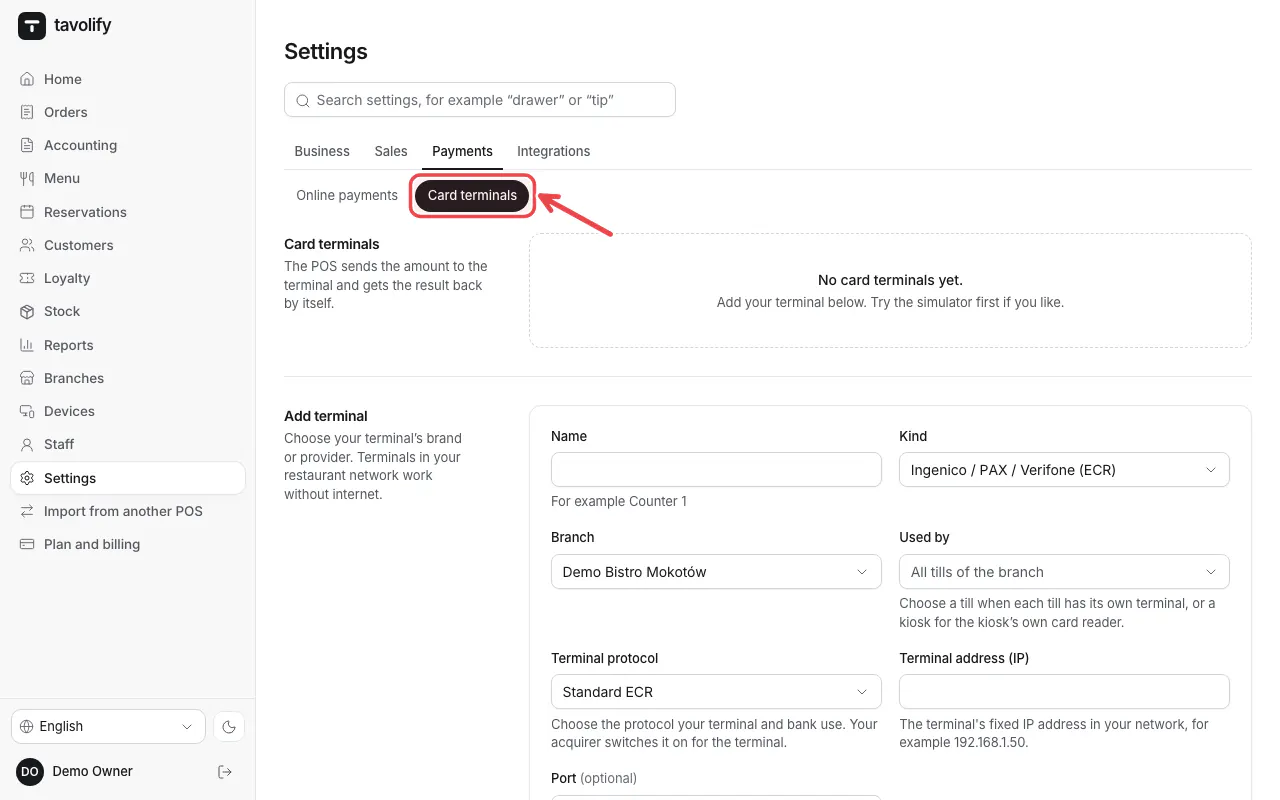
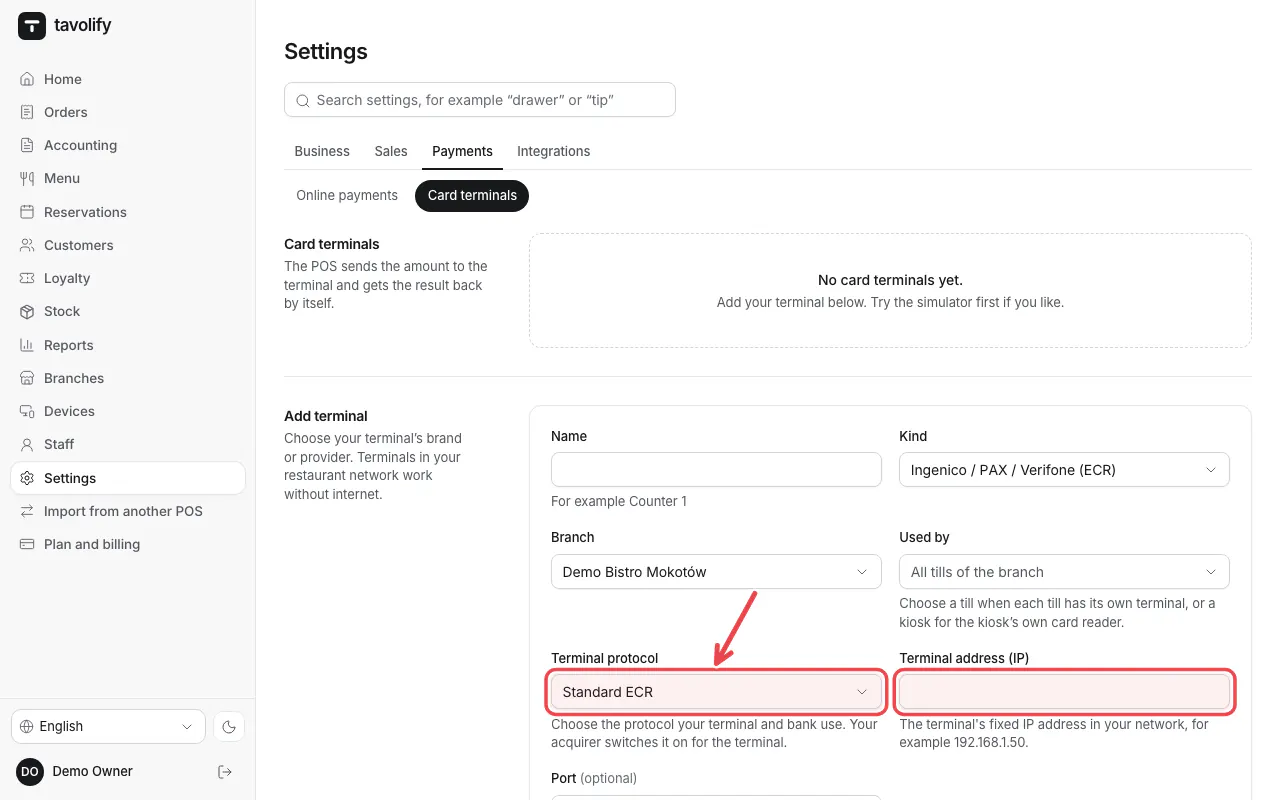
Type a Name, choose the Kind and Terminal protocol (Standard ECR for most terminals in Poland), the Terminal address (IP) and the Port.
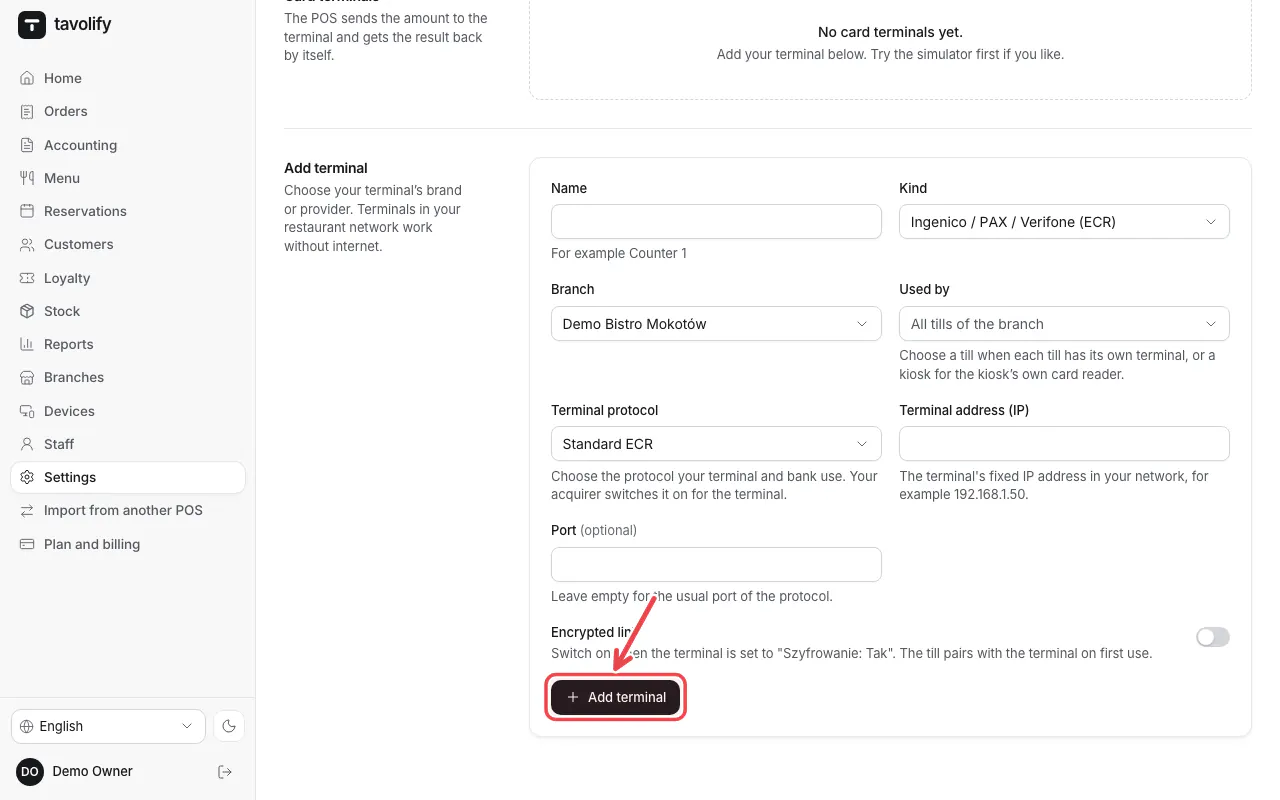
Under Used by choose the tills (or a kiosk) and tap Add terminal.
Tip: Ask your terminal provider to switch on the ECR link on the terminal. Network terminals work in the Android app.
Related articles
- A card terminal for the kiosk
- The card terminal does not answer
- Take payment: cash, card and more
Did this answer your question?
Still need help?Our team is happy to answer.
Send us a message