
Sales reports
See Tavolify sales reports by item, category, payment method, tax, staff, hour and channel, plus time clock and kitchen times.
1 min readUpdated November 13, 2026
Reports show how the business is doing, for any day or period.
Steps
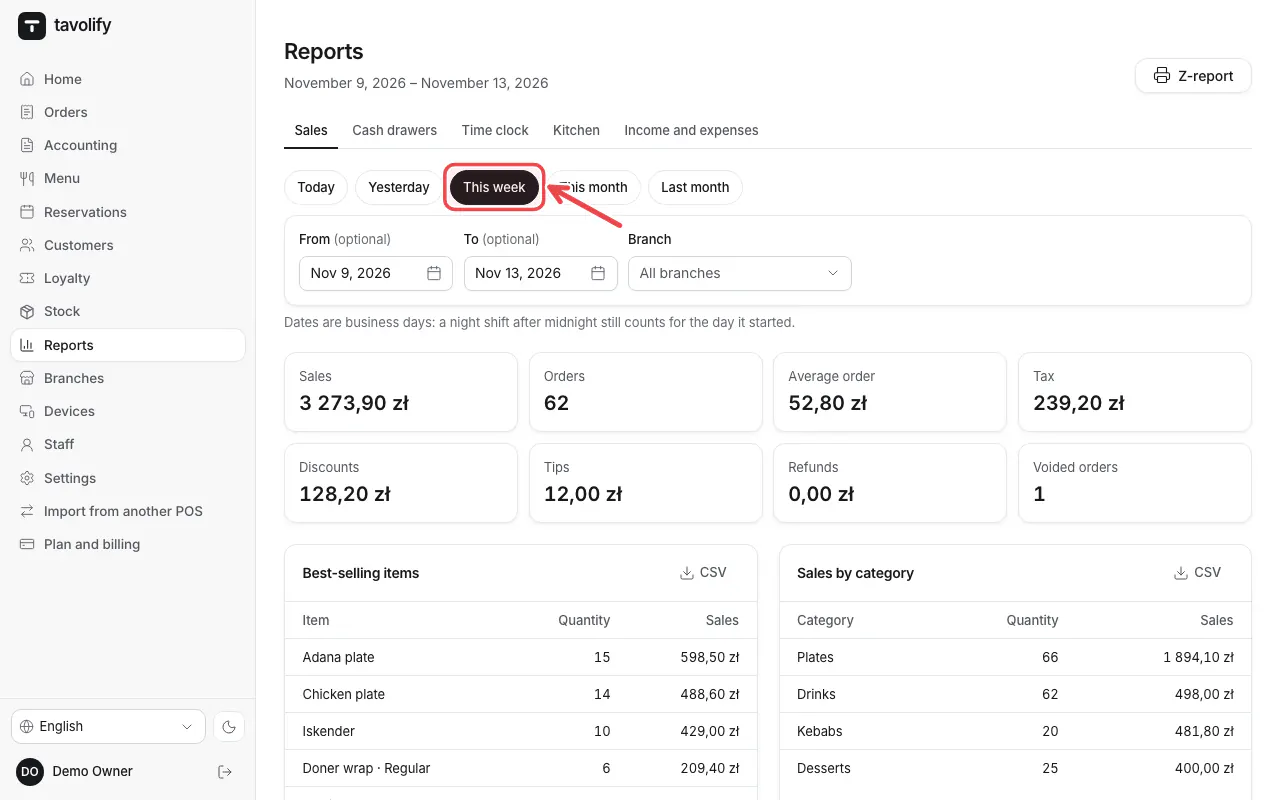
Open Reports. Choose a period such as Today or This week, and the Branch.
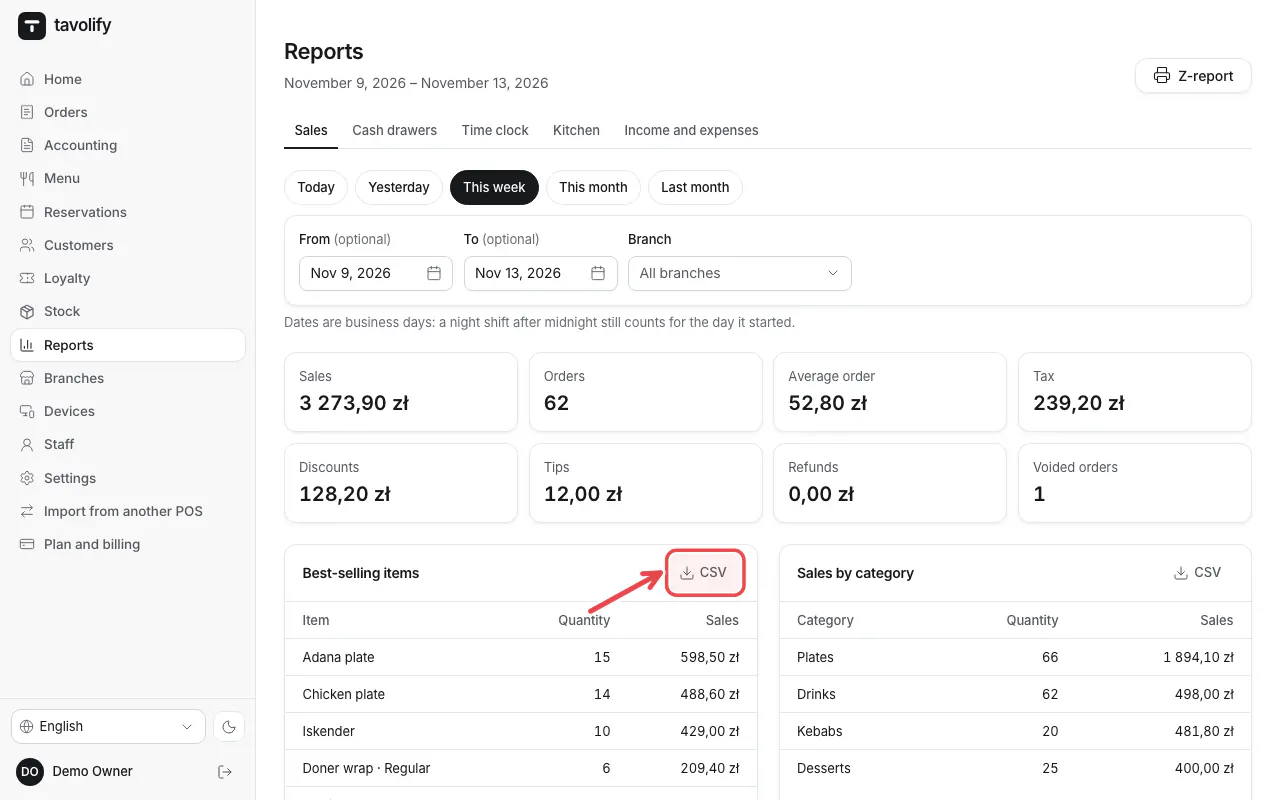
Each table has a CSV link for your accountant, for example next to Best-selling items.
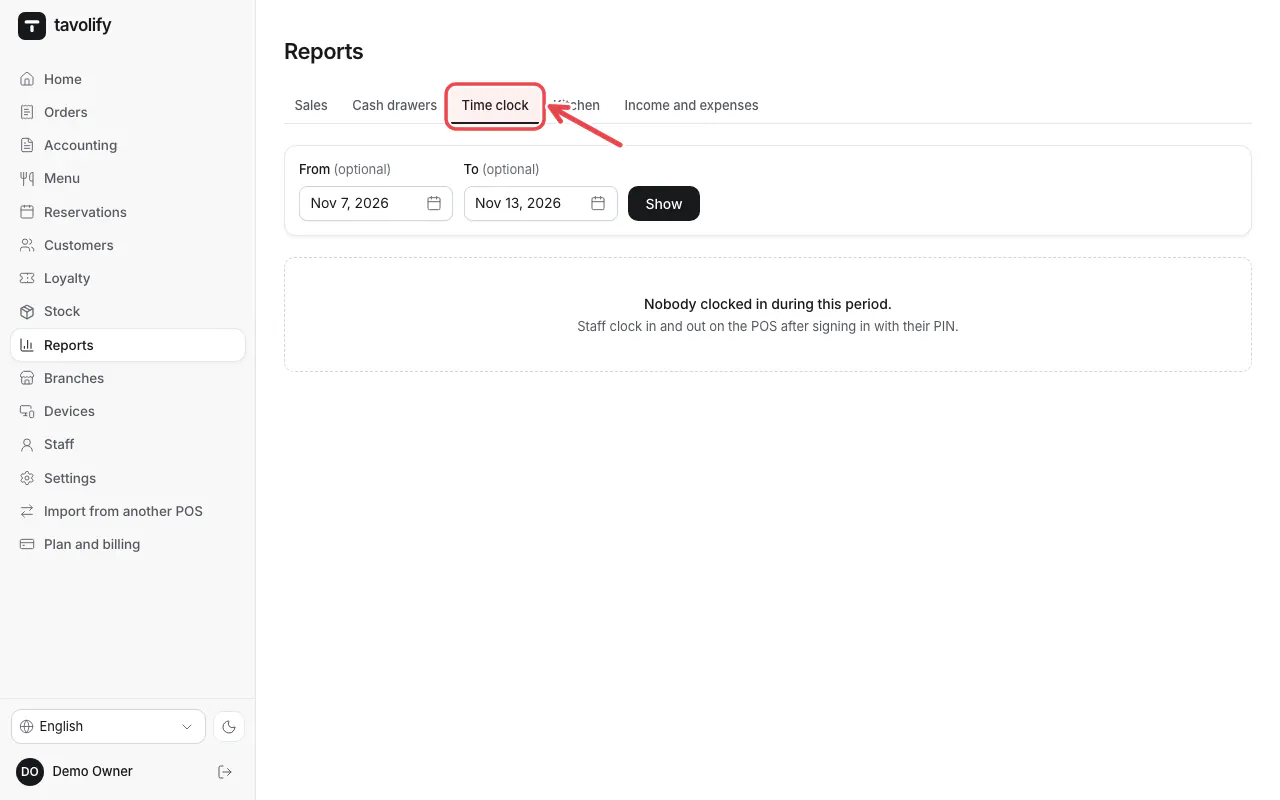
Time clock shows staff hours.
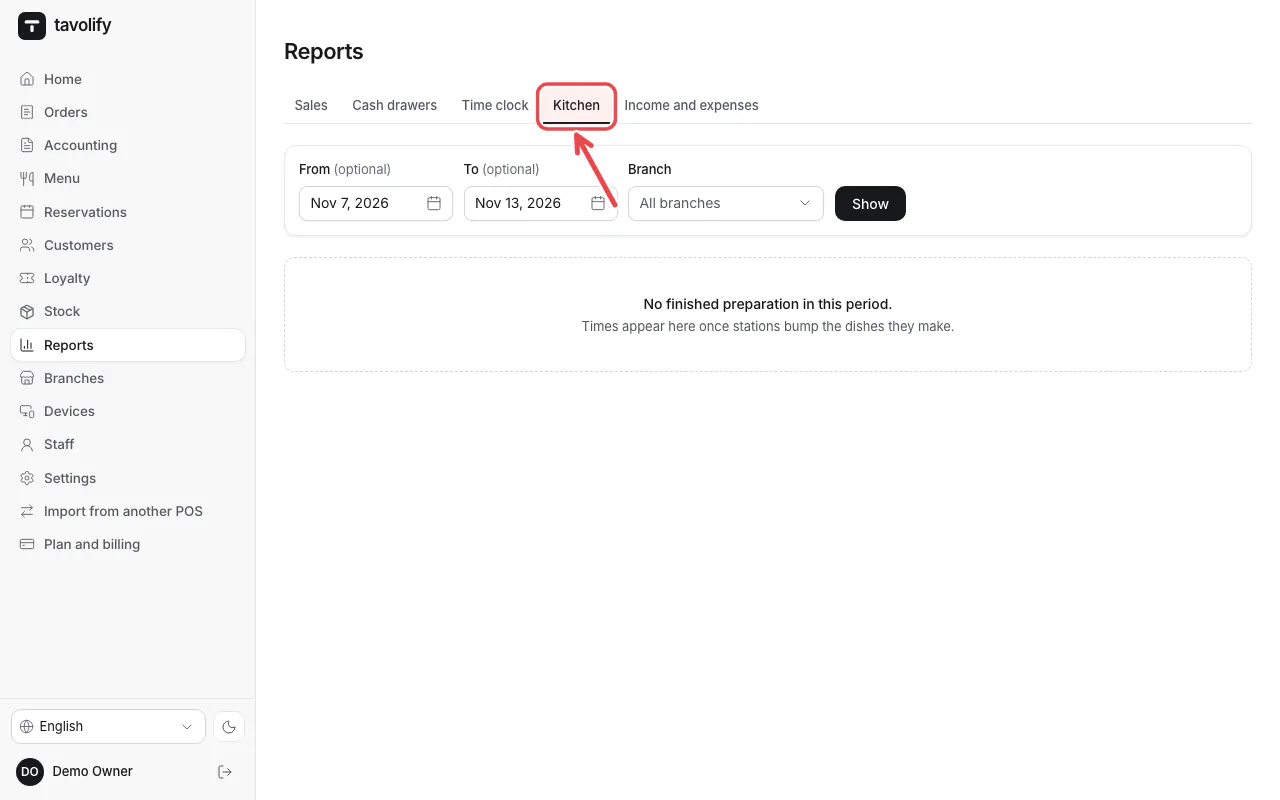
Kitchen shows how long the kitchen needs.
Related articles
- Close the shift and the Z report
- Delivery apps
- Ingredients, recipes and food cost
Did this answer your question?
Still need help?Our team is happy to answer.
Send us a message