
Move from another POS
Import menu, customers and loyalty balances into Tavolify from Dotykačka, GoPOS, POSbistro, Square, Lightspeed or Toast.
1 min readUpdated November 13, 2026
You keep your data when you switch. You see a preview before anything is saved.
Steps
Open Import from another POS in the left menu.
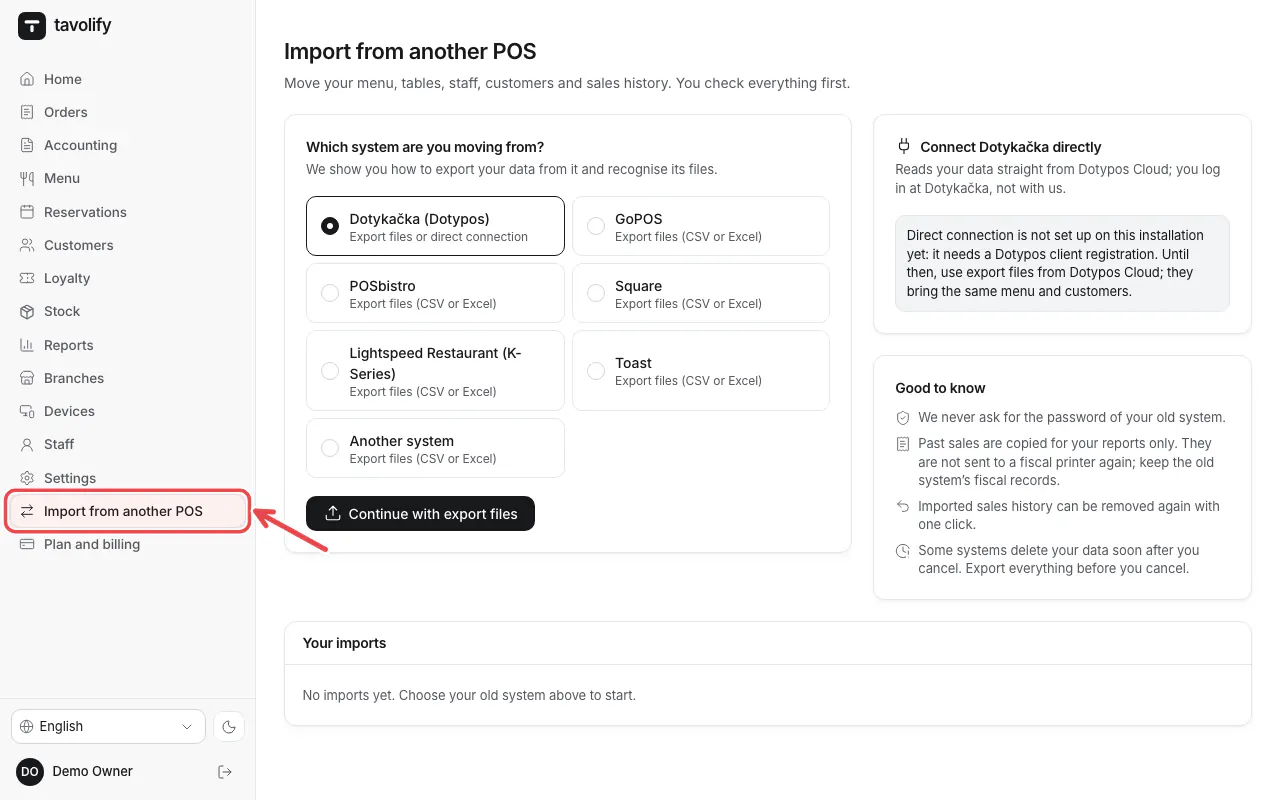
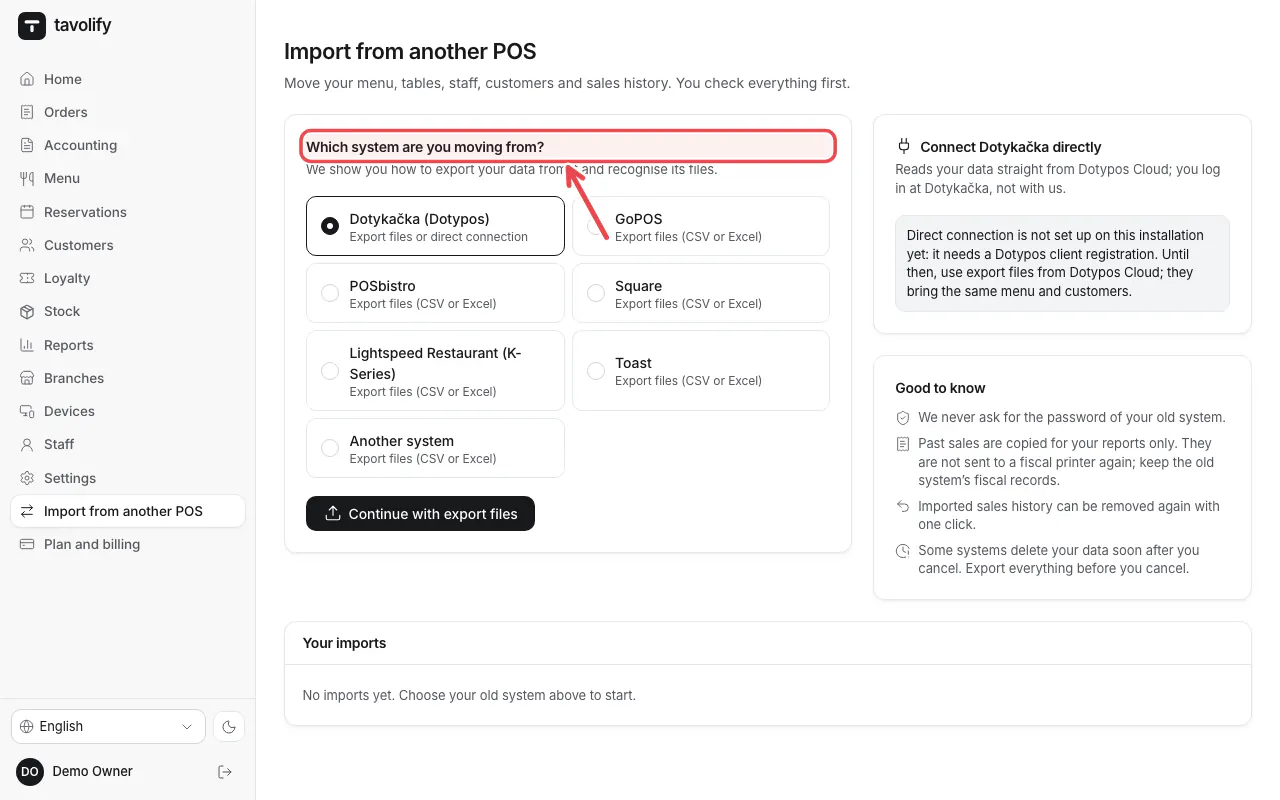
Choose your old system and tap Continue with export files. Upload the export files and check the preview.
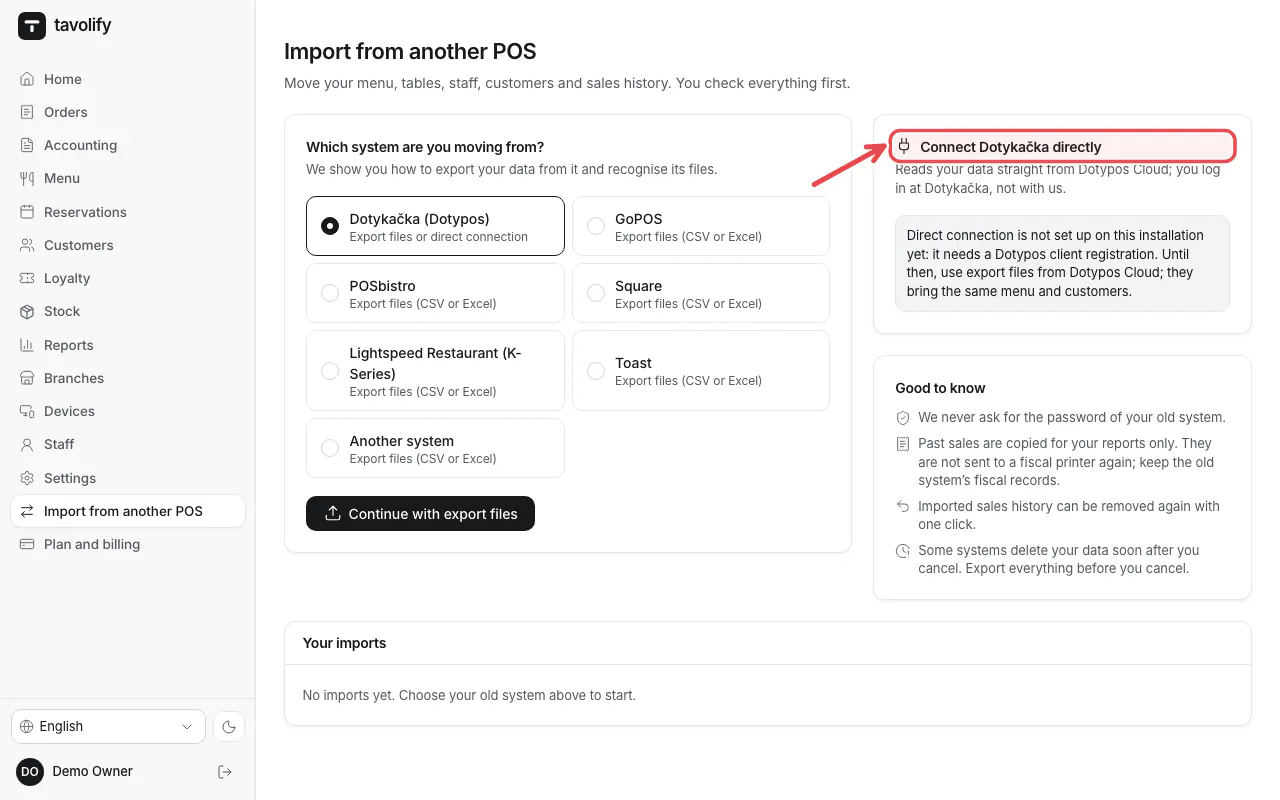
From Dotykačka you can also connect directly.
Related articles
- Import and export the menu
- Loyalty programme
- Customers and their history
Did this answer your question?
Still need help?Our team is happy to answer.
Send us a message