
Choose a plan and see your invoices
See your current plan and trial, compare Start, Pro and Multi, choose monthly or yearly billing and find your invoices.
1 min readUpdated November 13, 2026
Under Plan and billing you see your plan, the days left in your trial, the limits of each plan and your invoices.
Steps
Open Plan and billing in the left menu. Your plan shows your plan and trial.
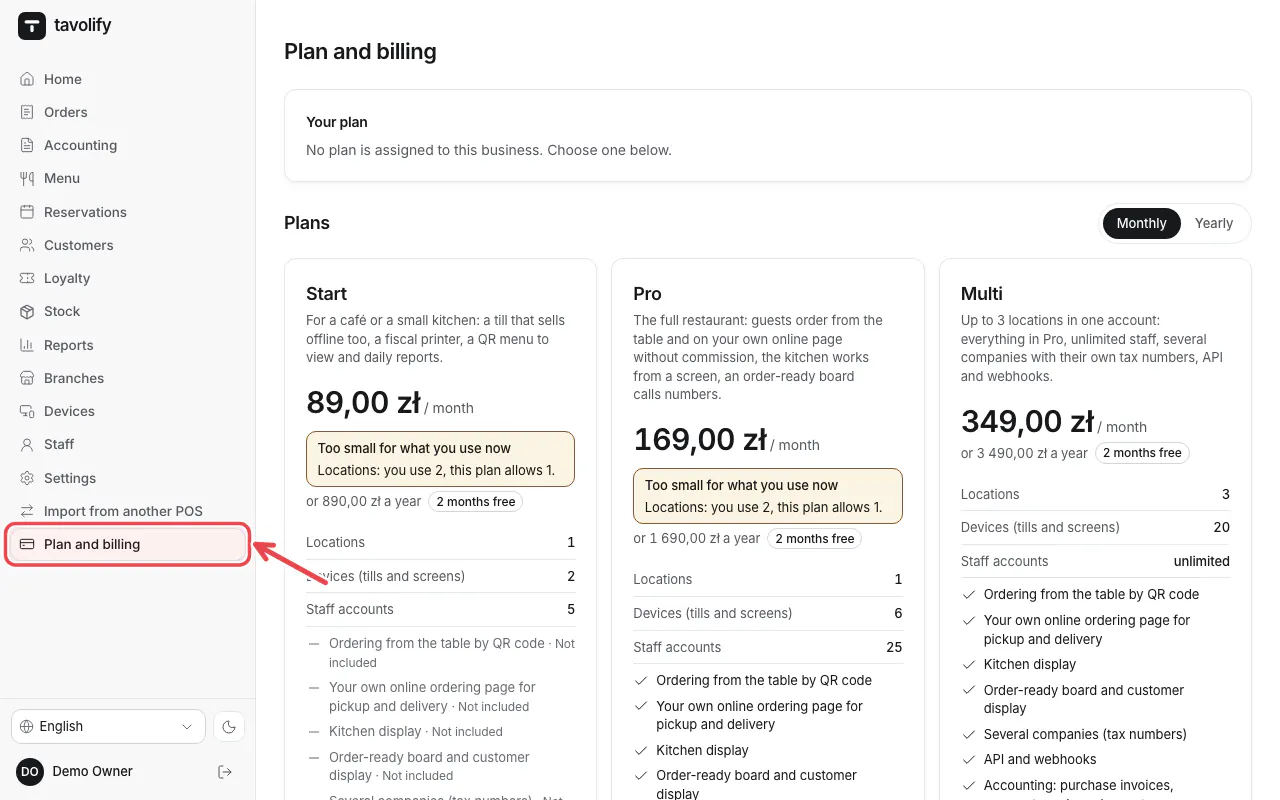
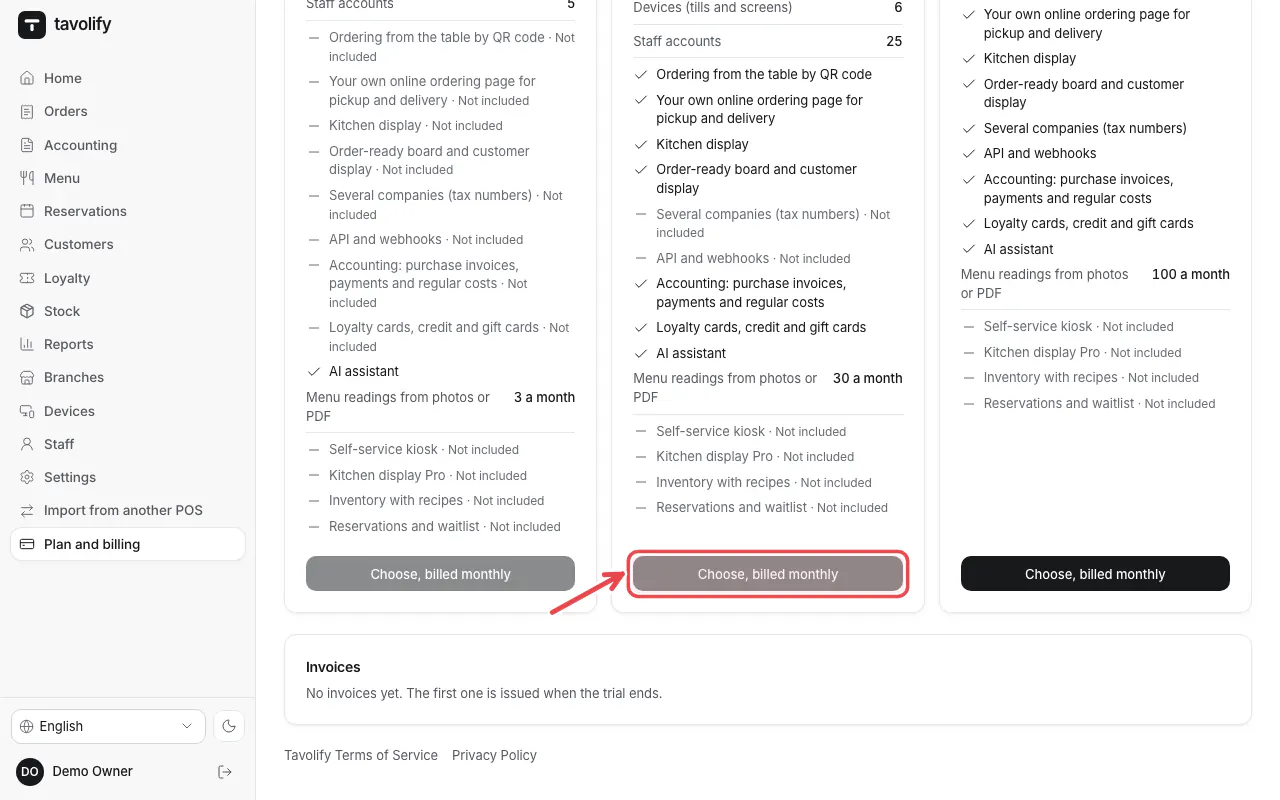
Choose Monthly or Yearly at the top of Plans. Compare what each plan includes, then tap the button under the plan you want.
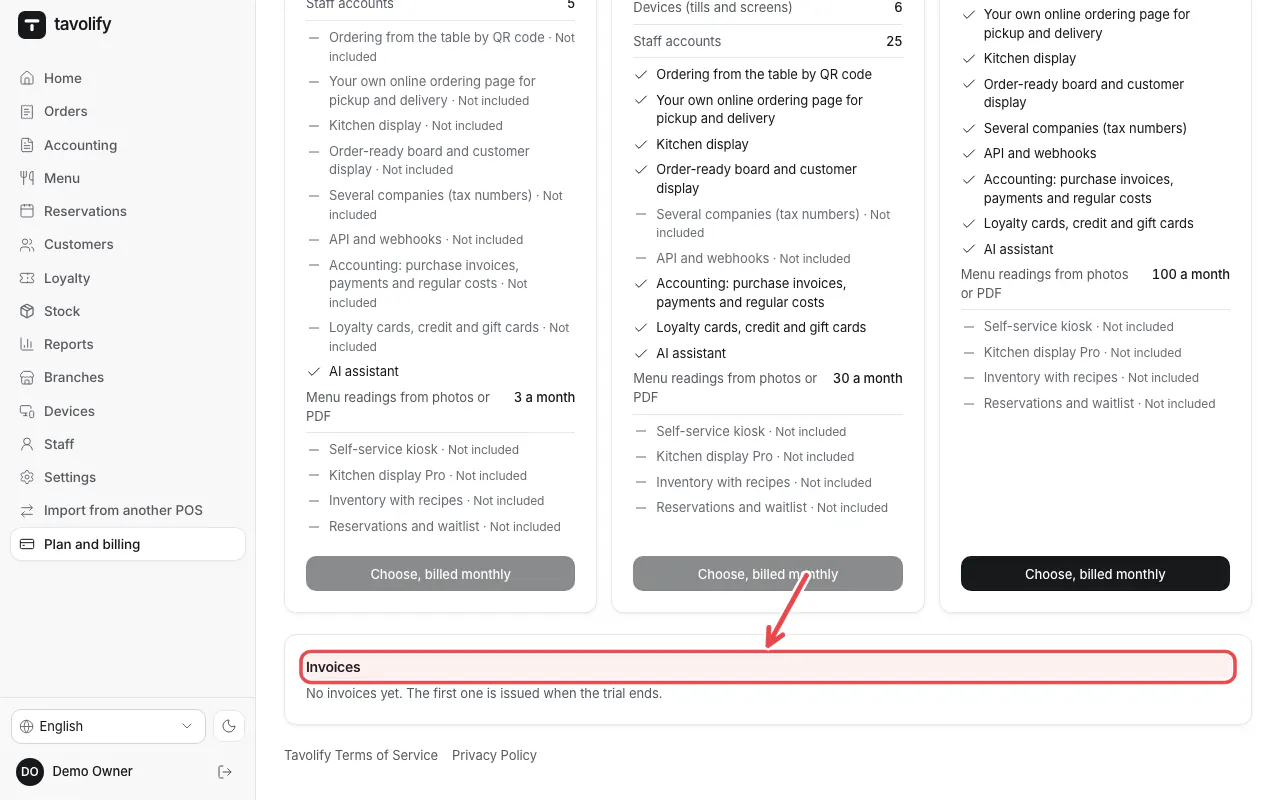
Your invoices appear under Invoices. Open one to see or print it.
Tip: You can move to a bigger plan at any time, for example when you open a second branch.
Related articles
- Create your Tavolify account
- Branches
- Add staff and set POS PINs
Did this answer your question?
Still need help?Our team is happy to answer.
Send us a message