
Install and update the Android app
Download and install the Tavolify Android app (APK) for tablets and Sunmi POS, keep it updated and fix an old WebView.
1 min readUpdated November 13, 2026
The Android app runs the POS, kitchen display and kiosk, and talks to printers, cash drawers and card terminals.
Steps
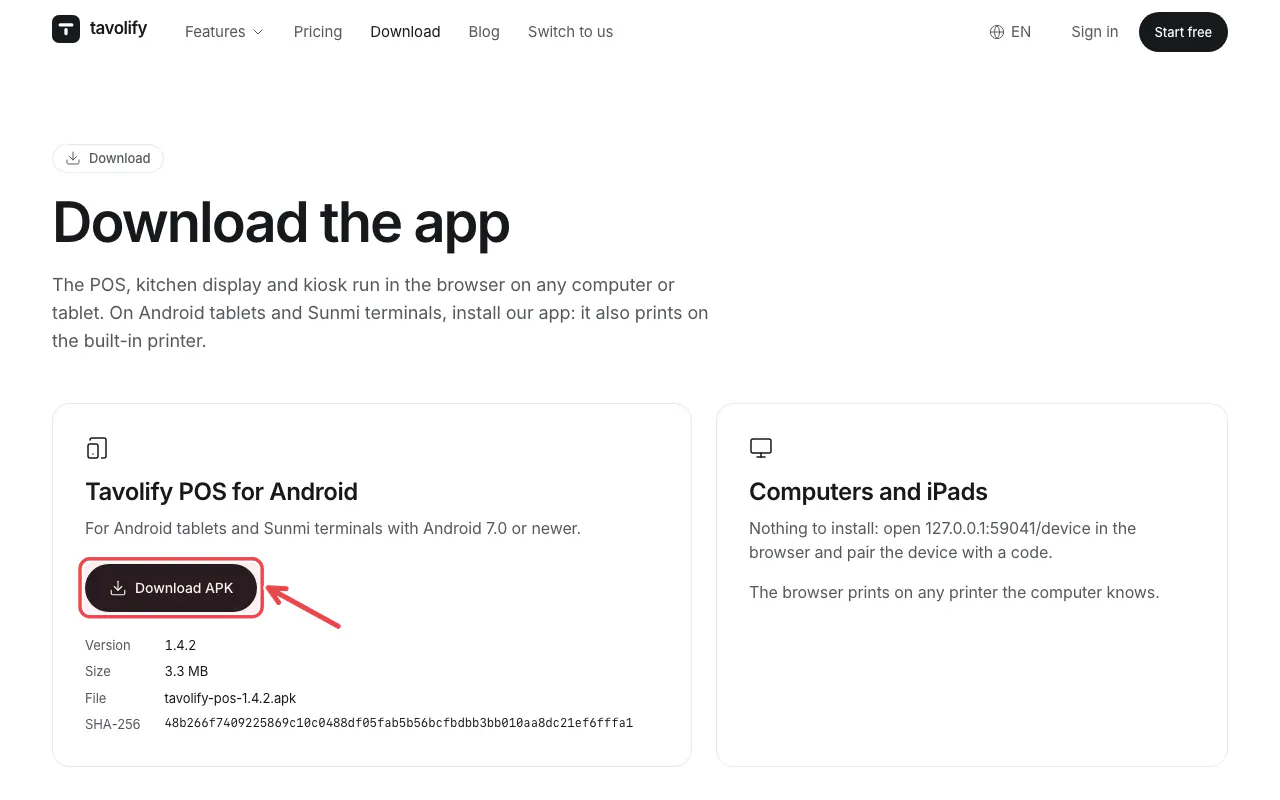
Open the download page on the tablet and tap the download button.
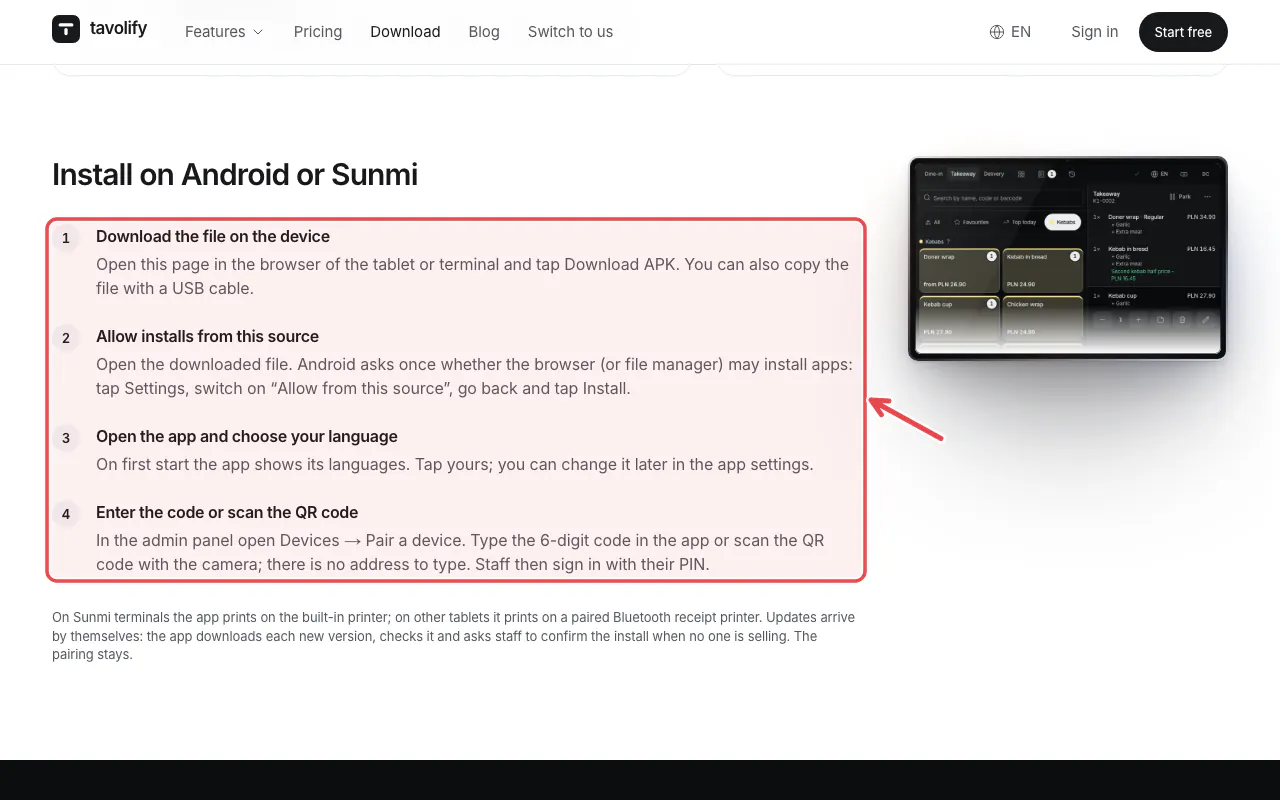
Follow the install steps on the page. Android may ask you to allow installing from this source.
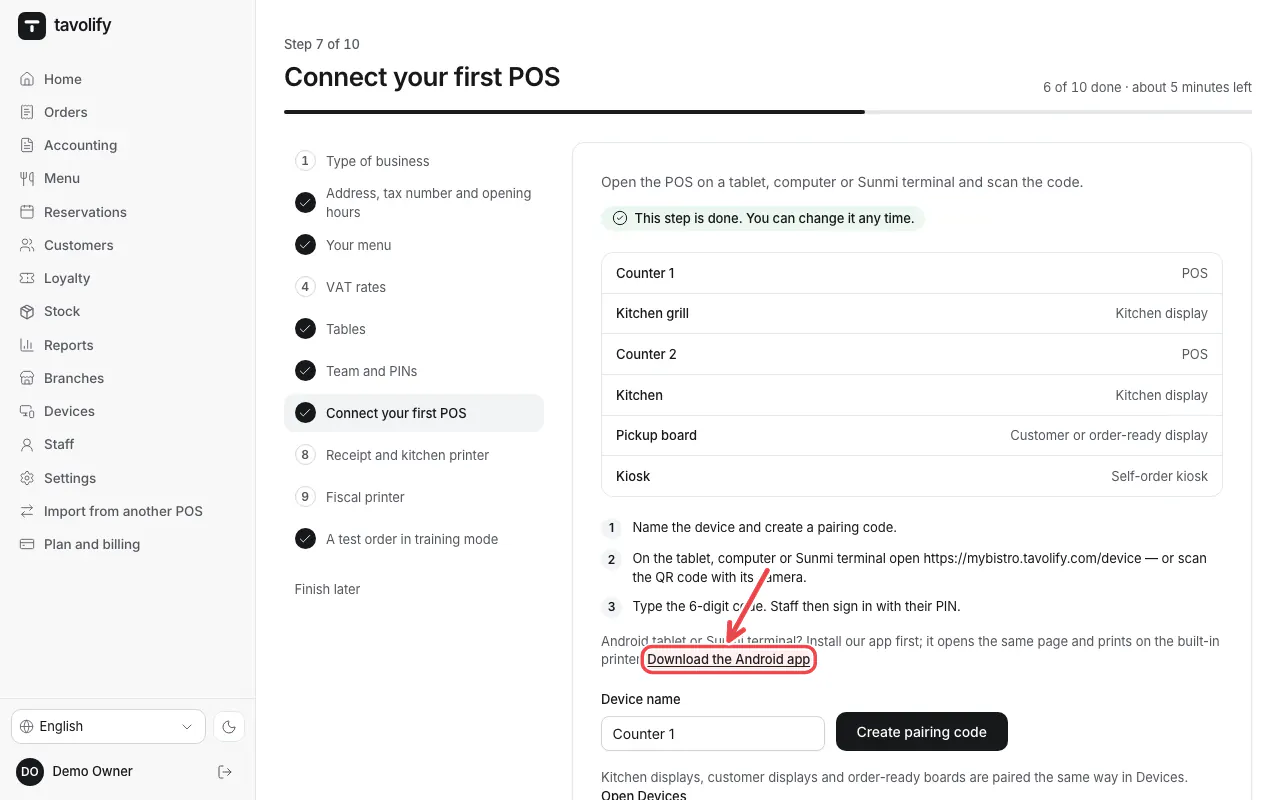
The setup guide also links the app.
Tip: The app updates itself within a few hours of a new version.
Important: If the app warns about an old Android System WebView, update "Android System WebView" in Google Play. Otherwise screens may stay blank.
Related articles
- Connect a tablet or computer as a POS
- Selling without internet (offline)
- The printer does not print
Did this answer your question?
Still need help?Our team is happy to answer.
Send us a message